
How to Audit Shopify Product Variants and Availability
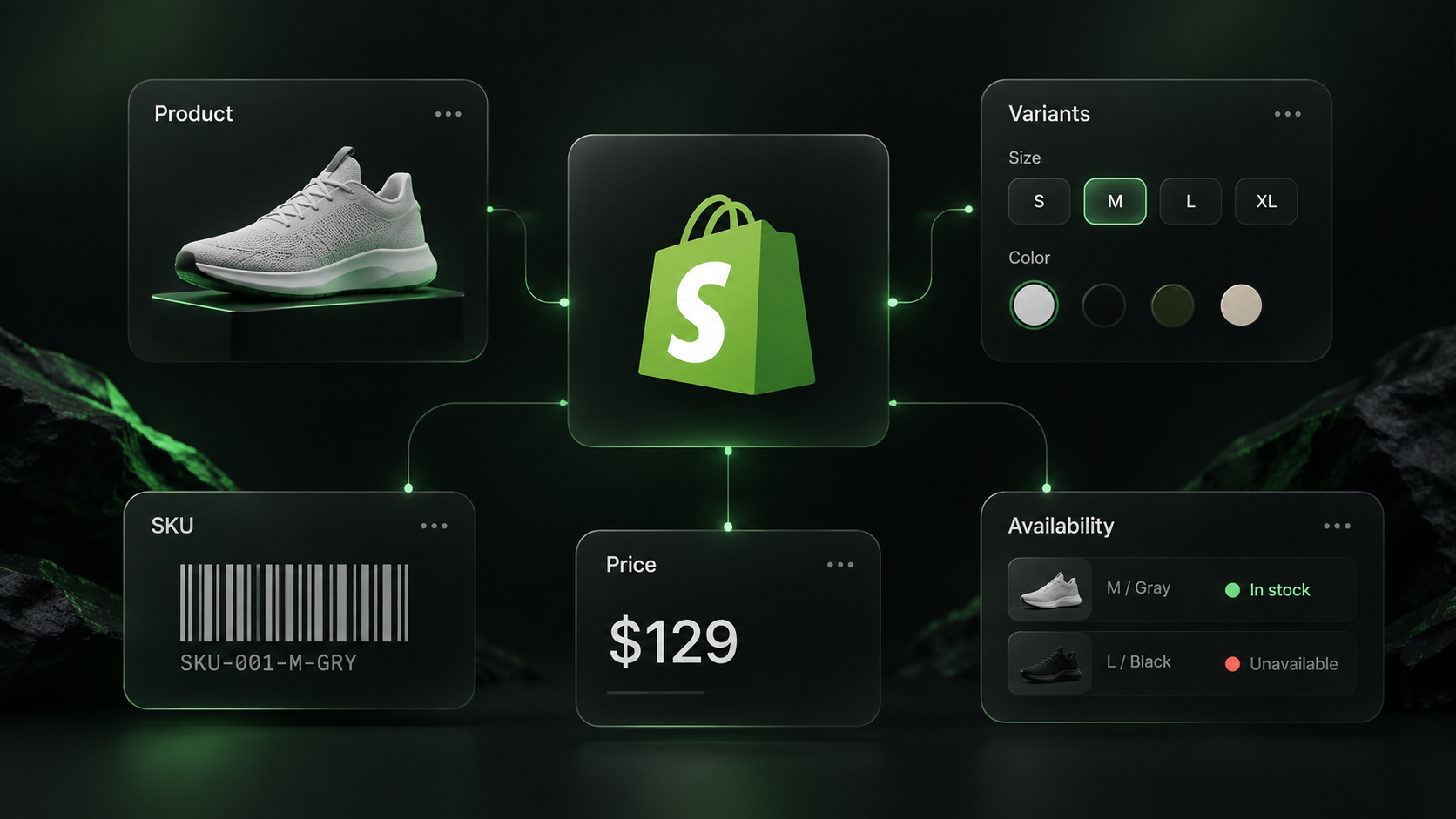
A product page may say “available” while the size your customer wants is sold out. If you are comparing a storefront's catalog, the useful unit is often the variant: size or color, SKU, price, and availability together.
Our Shopify Product Scraper exports public product data from one Shopify store URL. It returns product titles, prices, images, options, and nested variants. The Actor runs on Apify, so you can enter a store URL in the form and download the dataset without using the store's Admin API. Some storefronts restrict their public feeds; a successful sample on one store does not guarantee the same coverage on another.
Export a small storefront sample
- Open the Shopify Product Scraper on Apify.
- Enter
https://www.allbirds.comunder Store URL. - Set Max Products to
5. Leave Include variant barcodes off for this first run. - Start the Actor and open its Dataset. Export JSON so the variant arrays stay nested under their products.
The same input in the JSON editor is:
{
  "storeUrl": "https://www.allbirds.com",
  "maxProducts": 5,
  "includeBarcodes": false
}
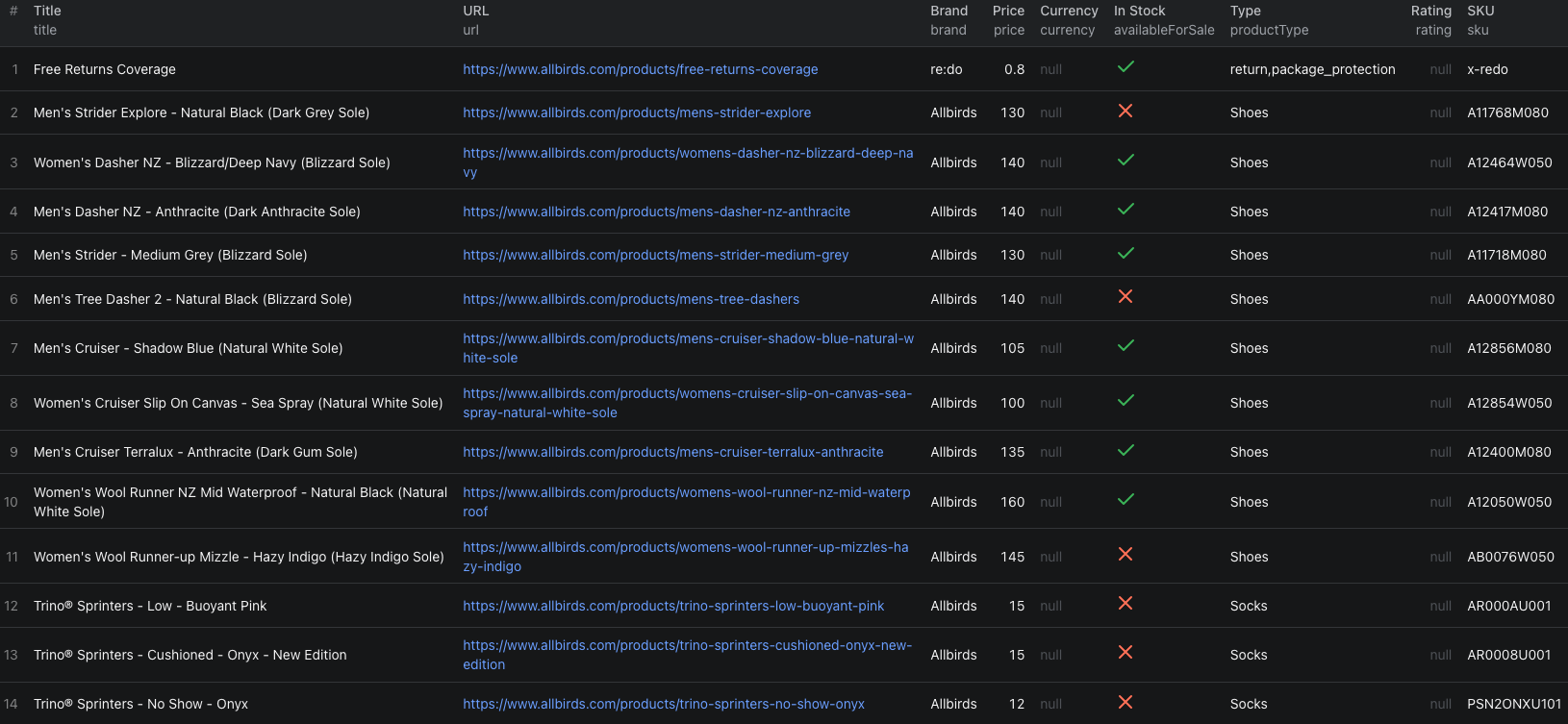
Our five-product run included both shoes and a storefront service add-on. That is a useful reminder to filter the export for the product types you actually want to analyze. One shoe record had this shape, abbreviated to two sizes:
{
  "title": "Women's Dasher NZ - Blizzard/Deep Navy (Blizzard Sole)",
  "price": 140,
  "currency": "USD",
  "currencySource": "cart.js",
  "availableForSale": true,
  "variants": [
    { "title": "7.5", "sku": "A12464W075", "price": 140, "available": true },
    { "title": "8", "sku": "A12464W080", "price": 140, "available": false }
  ]
}
The product is available for sale, but size 8 was not available in this snapshot. For an inventory check, use variants[].available rather than assigning the product-level flag to every size. The Actor reports null when the source does not state availability; do not turn that into “out of stock.”
This separate 14-row catalog preview shows product-level columns. Variant availability is nested under each row, and this run displays missing currency values, so verify currency before making cross-store price comparisons.
The Shopify variants Node.js example runs this five-product sample and prints its dataset.
Turn the export into a useful audit
Keep one row per variant in your working sheet or script: product URL, title, variant ID or SKU, option values, variant price, available, currency, and scrape time. Then filter out non-merchandise records, such as the service add-on in our sample. For a repeat run, compare the same variant ID or SKU rather than matching on display title alone.
Treat the top-level price as a product summary, not proof that every variant costs the same. Check each variant's own price. If you compare multiple stores, retain currency and currencySource and convert currencies explicitly.
Need UPC, EAN, or GTIN values? Turn on Include variant barcodes for a smaller targeted run. It makes an extra public product request per item and returns only what that store publishes. A missing barcode is not proof that the variant has no assigned code, and a valid checksum is not proof of GS1 registration.
Pricing
Pricing as of September 24, 2026 is $0.0015 per returned product plus an Actor start event of $0.00005 per GB of allocated memory, with a minimum of one event. Five products have an Actor event estimate of $0.00755 at the minimum start charge. Apify platform and proxy usage may be billed separately according to your plan. See live pricing before exporting a large catalog.
Frequently asked questions
Does availableForSale mean every variant is in stock?
No. Check each variant's available field. A product can be available for sale while some sizes or colors are unavailable.
Are missing barcodes proof that a product has no GTIN?
No. Barcodes are optional in the public data. Enable includeBarcodes to request what the store publishes, and treat a missing value as unknown.
Can I compare prices across stores without checking currency?
No. Keep currency and currencySource with each record, and normalize currencies before comparing prices across stores.
