
How to Compare Grailed Sold Prices
An active listing tells you what a seller is asking. A sold listing is a better starting point for a resale comparison, but only if it is the same kind of item in a comparable size and condition.
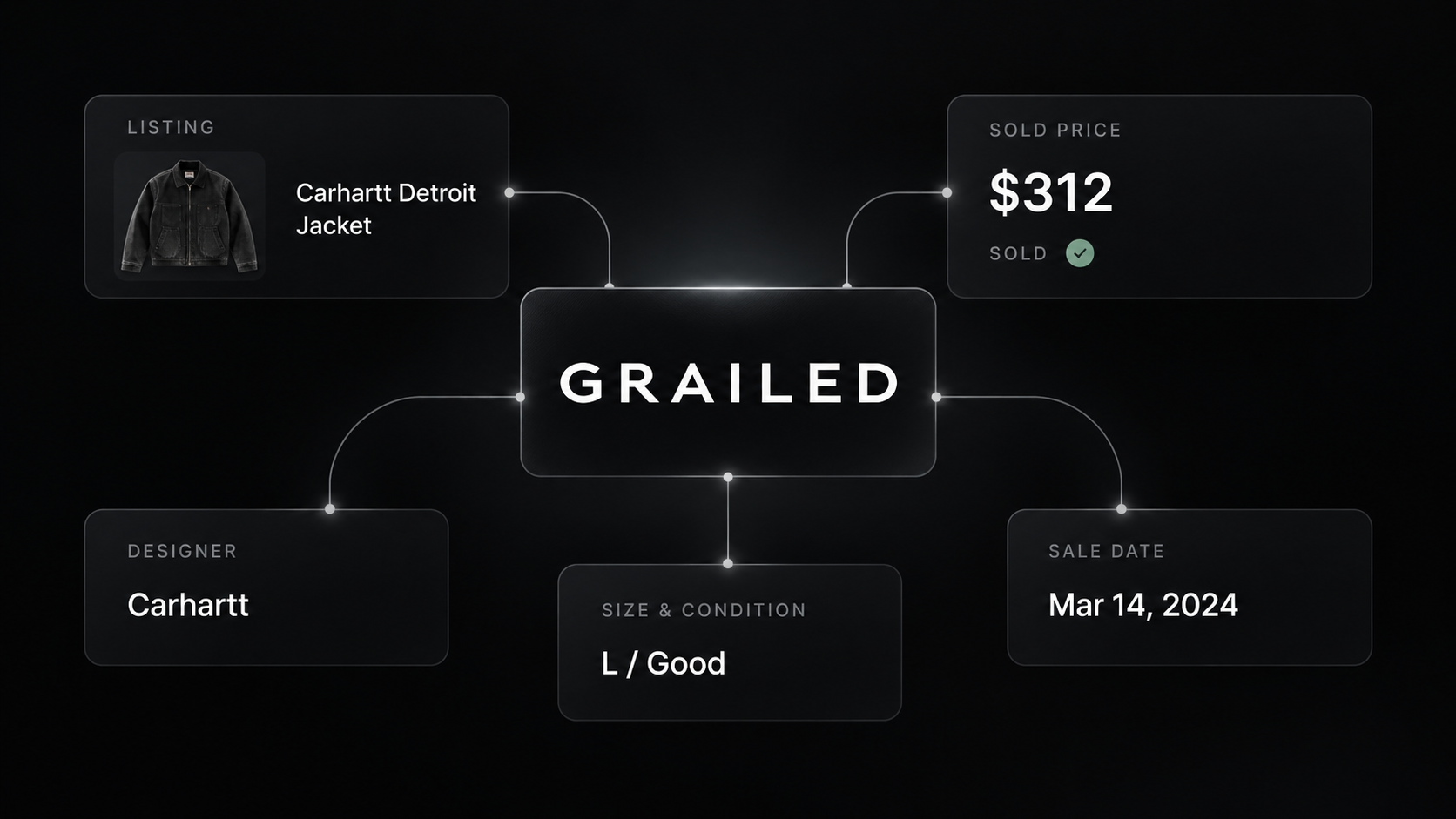
Our Grailed Scraper can export sold listings with soldPrice, soldAt, designer, category, size, condition, price history, and seller information. You can run the Actor from Apify's Input form and download the dataset. Full listing details are optional and cost more.
Here is a small Stone Island sample and a way to turn it into useful sold-price comparisons.
Export five sold listings
- Open the Actor on Apify.
- Enter
stone islandunder Search query and choose Menswear. - Turn on Sold listings only. Leave Scrape full details off.
- Set Maximum listings to
5, then click Start. - Open the completed run's Dataset and export JSON or CSV.
For the JSON editor, use:
{
  "searchQuery": "stone island",
  "department": "menswear",
  "soldOnly": true,
  "scrapeDetails": false,
  "maxItems": 5,
  "proxyConfiguration": { "useApifyProxy": true }
}
Our example returned five sold rows. This is an abbreviated record from that run:

{
  "id": 106054733,
  "title": "Stone Island Big Embroidered Logo Wool Knit Sweater",
  "designer": "Stone Island",
  "categoryPath": "tops.sweaters_knitwear",
  "size": "s",
  "condition": "Gently Used",
  "price": 190,
  "sold": true,
  "soldPrice": 155,
  "soldAt": "2026-09-23T06:14:28.357Z",
  "url": "https://www.grailed.com/listings/106054733"
}
The row's price was $190, while soldPrice was $155. Use the latter for a sold-price comparison. priceDrops describes changes to the listing price; it does not turn earlier asks into completed sales.
The Grailed sold-prices Node.js example runs the same query and prints the dataset.
Make the comparison narrower
Five Stone Island results can include sweaters, jackets, and other items. Do not average them into a single “Stone Island price.” First filter to a product family using categoryPath and the title. Then compare similar sizes and conditions, and retain soldAt so older sales do not silently stand in for the current market.
For a repeatable spreadsheet, keep id, url, designer, categoryPath, size, condition, soldPrice, and soldAt. Deduplicate by id. Review the listing photos and details when a price is an outlier or the title leaves the model unclear. A five-row sample is a workflow check, not a statistically representative valuation.
The search also accepts Grailed search or designer URLs under startUrls. Use them when a keyword is too broad. The maxItems ceiling applies to the run, not separately to every URL.
Pricing
Pricing as of September 23, 2026 is $0.003 per basic listing or $0.012 per listing with full details. Those are alternative per-listing events, not charges to add together. An Actor start event costs $0.00005 per GB of allocated memory, with a minimum of one event. Our five-row basic run charged $0.00005 + (5 × $0.003) = $0.01505 in Actor event charges. Apify platform or proxy usage may be billed separately according to your plan. Check live pricing before enabling details for a large run.
When a number looks wrong
- A sold row has two prices. Use
soldPricefor the recorded sale and keeppriceas a separate listing-price field. - Sold listings vary widely. Filter item type, size, condition, and date before comparing them.
- A seller rating is missing. Leave it missing rather than treating it as a zero rating.
- A listing needs closer inspection. Turn on full details for a smaller, targeted run if descriptions, measurements, or all photos matter.
- The query feels too broad. Use a narrower keyword or a specific Grailed search or designer URL.
Frequently asked questions
Does the price field show what the item sold for?
No. In sold-only mode, use soldPrice for the recorded final sold amount. Keep price and priceDrops as separate listing-price fields.
Can I compare any five sold listings for a brand?
Not meaningfully. Narrow by item type, size, condition, and date before using sold listings as price comparisons.
Do I need full details for sold-price research?
Usually not. Basic sold rows include the final sold price, sold date, designer, category, size, condition, and seller summary. Enable details only when you need descriptions, all photos, measurements, or the full seller profile.
