
How to scrape 1688 products and build a supplier shortlist
Our 1688.com Listings Scraper turns a 1688 keyword search into a table of wholesale offers: price, MOQ, price tiers, sales counts, and the supplier behind each listing, including its 1688 rating, service scores, and whether it trades as a manufacturer or a wholesaler. You give it a keyword or a known offer ID, and you can narrow the search by price, minimum order quantity, and supplier city. The main limitation is the price itself: the headline price on a listing is often not the price at your order quantity, so treat it as a lead to check, not a quote.
The Actor runs on Apify, so you can start it in your browser and download the results without writing code. This guide builds a shortlist of Bluetooth earbuds from Shenzhen suppliers and shows where the data needs a closer look.
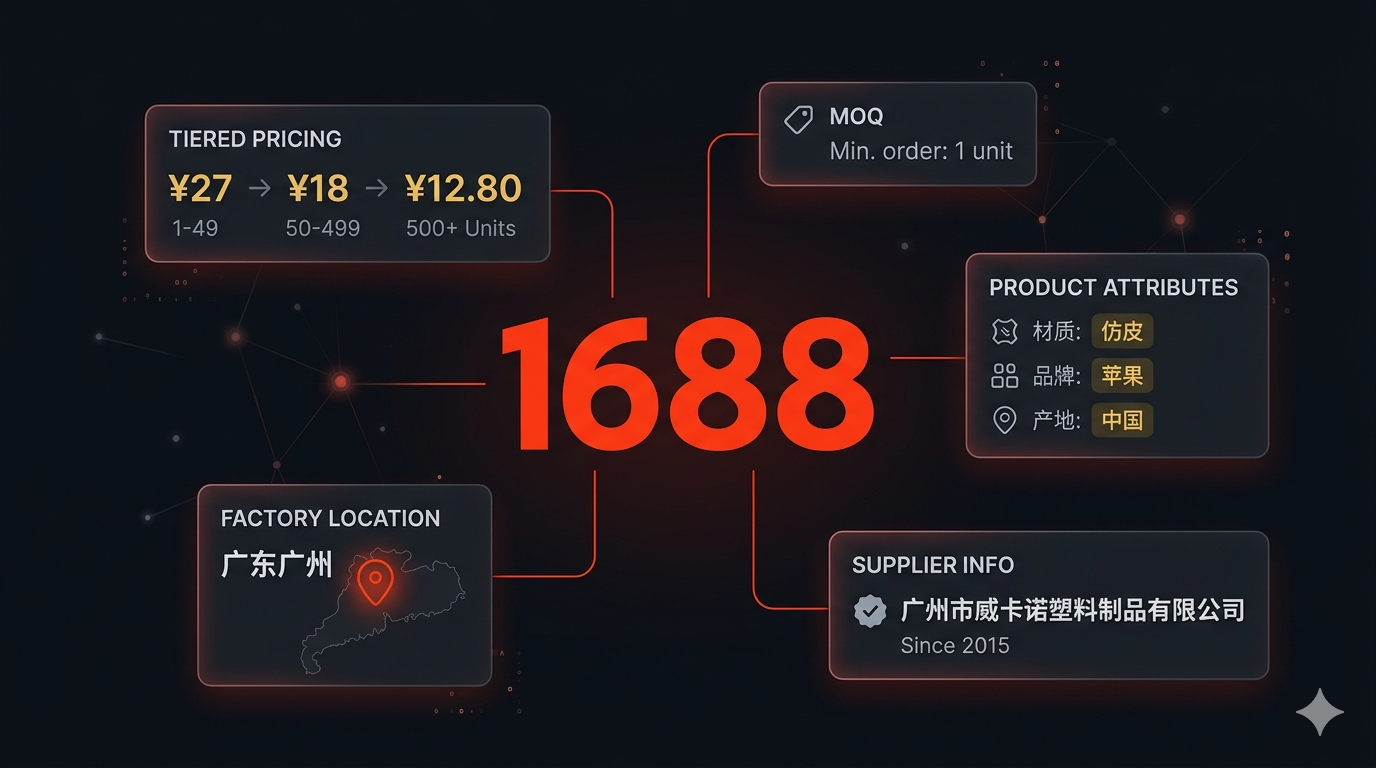
What each row contains
There are two row types. Search rows are cheap and already carry most of the supplier data. Detail rows open each offer page for the full specification and policy.
| Row type | What you get |
|---|---|
| Search row (default) | Offer ID, title, URL, image, headline price, MOQ, unit, price tiers when the listing shows them, orders, units sold in total and in the last 30 days, supplier company, city and province, manufacturer or wholesaler, factory and business inspection, 1688 supplier rating with five service scores, years on 1688, repurchase rates, buyer protections, a flag for paid placements, and seller IDs with a storefront link. |
Detail row (includeDetails on) | Everything above, plus the full price range, the attribute table (material, model, size), every image, after-sales guarantees, and logistics such as the dispatch promise and unit weight. |
Fields depend on what 1688 shows for each offer, so some rows leave a field out. A missing value means 1688 did not show it, not that it is zero.
You need an Apify account and a keyword or an offer ID. There is no 1688 login. Leave Proxy configuration at its default: 1688 blocks by IP, so the Actor tries several proxy pools on every search.
Pricing as of October 4, 2026: $1 per 1,000 search rows or $4 per 1,000 detail rows, plus a $0.00005 start event per GB of memory. From October 18, 2026, search rows cost $2 per 1,000; detail rows stay at $4. A 30-row search costs about $0.03 before that date and $0.06 after it. Rows dropped by your filters are not charged. Check the current pricing before scaling up.
Run a filtered search
1. Enter a keyword
Open the 1688 scraper and select Try for free. In the Input form, set Search keywords to 蓝牙耳机, the Chinese term for Bluetooth earphones. English keywords work too, but a specific Chinese term is a good first try on a Chinese marketplace.
2. Narrow the search
In the Search filters section:
| Field | Value | Why |
|---|---|---|
| Sort by | Price: low to high | Cheapest offers first |
| Min price (CNY) / Max price (CNY) | 10 / 30 | Skip accessories and premium models |
| Max minimum order quantity (MOQ) | 2 | Keep suppliers that sell samples or single units |
| Supplier city | Shenzhen | The electronics cluster |
Set Max items to 30 and leave Include detail pages off. In the JSON input editor, the same setup is:
{
  "keywords": ["蓝牙耳机"],
  "sortBy": "price-asc",
  "minPrice": 10,
  "maxPrice": 30,
  "maxMoq": 2,
  "supplierCity": "Shenzhen",
  "maxItems": 30,
  "includeDetails": false
}
maxItems caps the whole run. Max search pages per keyword caps each keyword, at up to 50 offers per page, and either limit can end the run. Don't use maxItems: 0 for a trial: zero removes the cap.
Prices are in Chinese yuan. Supplier city accepts English names of the main sourcing hubs (Shenzhen, Guangzhou, Dongguan, Yiwu, Ningbo, Shantou, Quanzhou and others) or any city in Chinese, such as 深圳. Province names don't work on 1688.
3. Check what the filters did
1688 applies these filters loosely, especially the price range when you also sort by price. The Actor checks every row against your price and MOQ limits and drops what falls outside before saving, so dropped rows are not charged. The run log says how many were dropped on each page, and the run may read an extra page to reach your limit.
Our example run on October 4, 2026 returned 30 rows. All 30 were Shenzhen suppliers with an MOQ of 1 or 2, and 1688 had let 4 off-filter offers through on the first page, which the Actor dropped.
4. Export the output
Open the run's Output tab. The Search results view shows the supplier columns. Choose Export → CSV for a spreadsheet, and import it as UTF-8 if Chinese characters don't display correctly. Use JSON if you want tierPrices and serviceScores as structured fields.
Here is one row from our example run, abbreviated:
{
  "offerId": "1086858228631",
  "title": "跨境V8 V9无线蓝牙耳机TWS5.0单边商务挂耳式麦克风通话耳机",
  "priceFrom": 10,
  "minOrderQuantity": 1,
  "tierPrices": [{ "price": 16, "beginAmount": 1 }],
  "orderCount": 0,
  "unitsSold30Days": 0,
  "location": "深圳市",
  "sellerCompany": "张汉科技(深圳)有限公司",
  "businessType": "manufacturer",
  "factoryInspected": false,
  "supplierRating": 3.5,
  "serviceScores": {
    "consultation": 3,
    "product": 3.67,
    "logistics": 1.29,
    "disputes": 5,
    "returns": 4.33
  },
  "sellerYears": 6,
  "isSponsored": false,
  "url": "https://m.1688.com/offer/1086858228631.html"
}
Look at the prices. The headline priceFrom is 10 CNY, but the listing's only price tier is 16 CNY from one unit. Sorting by price ranks offers by the headline figure, which may belong to a cheaper variant or a larger order. Compare tierPrices at your own quantity, and check the offer page when there are no tiers.
Turn the export into a shortlist
Cheapest is not the same as proven. In our example run, none of the 30 offers had 100 or more orders and only 10 had sold anything in the last 30 days. Use the supplier columns to decide which offers deserve a closer look:
| Column | How to use it |
|---|---|
businessType | manufacturer (生产加工) or wholesaler (经销批发). In our run, 23 of 30 called themselves manufacturers. This is the supplier's own classification on 1688, so verify it before relying on it. |
factoryInspected, businessInspected | 1688's on-site factory inspection (深度验厂) and business verification (深度验商). None of our 30 rows had either, a useful signal in itself. |
supplierRating, serviceScores | 1688's 0–5 composite rating plus consultation, product, logistics, disputes and returns. A low logistics score, like the 1.29 above, is worth asking about. |
orderCount, unitsSold30Days | Whether the listing actually sells, and whether it sells now. |
tierPrices, minOrderQuantity | The price at your quantity, and the smallest order the supplier accepts. |
isSponsored | Paid placements. Filter them out to see 1688's organic ranking. |
A practical first pass: remove sponsored rows, keep offers with recent sales, sort by supplierRating, then read the titles and images of the top ten for the exact model you need. Add your own columns for what the data can't tell you: the exact variant, the price at your quantity confirmed with the supplier, domestic and international freight, and inspection.
If you also collect Alibaba listings or AliExpress listings, match the actual product and order terms before comparing prices. A matching keyword does not make two offers the same SKU.
Look more closely at selected offers
Once you have a shortlist, copy the offerId values into a second run. Clear the keywords and turn on detail pages, so you pay detail rates only for offers you care about:
{
  "keywords": [],
  "offerIds": ["1080618692439"],
  "maxItems": 1,
  "includeDetails": true
}
Search filters don't apply to offer IDs. Detail rows from a keyword search keep the supplier columns from the search row. Rows requested by offer ID carry only the offer-page fields.
Here is an abbreviated detail row from our example run on October 4, 2026. It comes from a phone-case search, so check that the offer is still available or use an ID from your own search:
{
  "offerId": "1080618692439",
  "priceFrom": 5,
  "priceTo": 6.5,
  "minOrderQuantity": 3,
  "tierPrices": [
    { "price": 5, "beginAmount": 3 },
    { "price": 6.5, "beginAmount": 3 }
  ],
  "attributes": [
    { "name": "材质", "value": "PC" },
    { "name": "功能", "value": "防摔" },
    { "name": "款式", "value": "透明" }
  ],
  "services": ["退货包运费", "晚发必赔", "极速退款"],
  "logistics": { "location": "广东深圳", "deliveryLimit": "承诺25天发货", "unitWeight": 0.03 },
  "sellerCompany": "深圳市福田区荣华数码产品商行",
  "url": "https://m.1688.com/offer/1080618692439.html"
}
Both price entries start at quantity 3. This is not a volume discount. The two prices most likely belong to different variants, so check them on the offer page. Don't turn every tierPrices array into a quantity-discount curve because of the field name. The dispatch promise here is 25 days, which matters more for a reorder than a few jiao on the unit price.
Common snags
Fewer rows than maxItems: strict filters can leave few matches, and the per-keyword page limit still applies. Raise Max search pages per keyword or loosen the price range. 1688 returns at most 2,000 results per keyword.
Prices outside your range on the 1688 site: 1688 filters on a slightly different price than the one on the listing. The Actor drops those rows, so a filtered run can read more pages than an unfiltered one.
The city looks wrong: for county-level cities, 1688 shows the parent city. A Yiwu search returns rows located in 金华 (Jinhua).
An empty or failed run: 1688 blocks IPs aggressively, and some hours are worse than others. The Actor retries on several proxy pools, but a run can still fail when every pool is blocked. Wait and run it again rather than raising the limits.
Missing supplier fields: some listings don't show a rating, tiers or sales. Keep those cells blank in the shortlist rather than treating them as zero.
Nested data in CSV: use JSON for tierPrices, serviceScores, attributes and logistics. Flatten the fields you need on purpose, and don't drop the quantity thresholds when you extract prices.
For repeat checks, save the input as an Apify task and schedule it. Keep dated snapshots keyed by offerId to see price and sales changes. The Node.js example covers API access if you want to pull results into your own code.
Questions before you run
Should I use Chinese or English keywords?
The Actor accepts both. Try a specific Chinese product term first, inspect the results, and adjust it to your product. Translating a keyword does not guarantee that the offers are comparable.
Can I filter by supplier location?
Yes, by city. Set supplierCity to an English hub name such as Shenzhen, Yiwu or Guangzhou, or to any city name in Chinese. Province names are not supported by 1688. For county-level cities such as Yiwu, rows show the parent city (金华).
Can I scrape a product I already know?
Yes. Put its offer ID in offerIds and clear keywords to skip search. Search filters do not apply to offer IDs. Turn on includeDetails when you need the detail-page fields, and set maxItems to the number of offers you intend to collect.
Does the lowest scraped price include shipping?
Do not assume it does. Check the variant, order quantity, and delivery terms on the offer page. Build shipping and other landed costs into your own comparison.
