
How to Scrape Historical Football Odds from OddsPortal
A season of scores is easy to summarize. A season of scores with the odds each bookmaker offered is more useful for checking a model, comparing markets, or auditing an old prediction. The league, season, outcome, bookmaker, and collection region all need to stay attached to the price.
Our OddsPortal Scraper accepts league and season URLs. For finished matches, it returns the score, match-winner odds, average and best prices, and individual bookmaker prices. An optional mode adds other markets with opening and closing odds. You can run it from the Apify form and export the dataset without writing code.
This guide starts with six matches from the 2024/25 Premier League season. Historical odds are source records, not a guarantee that a price was available to every bettor in every location.
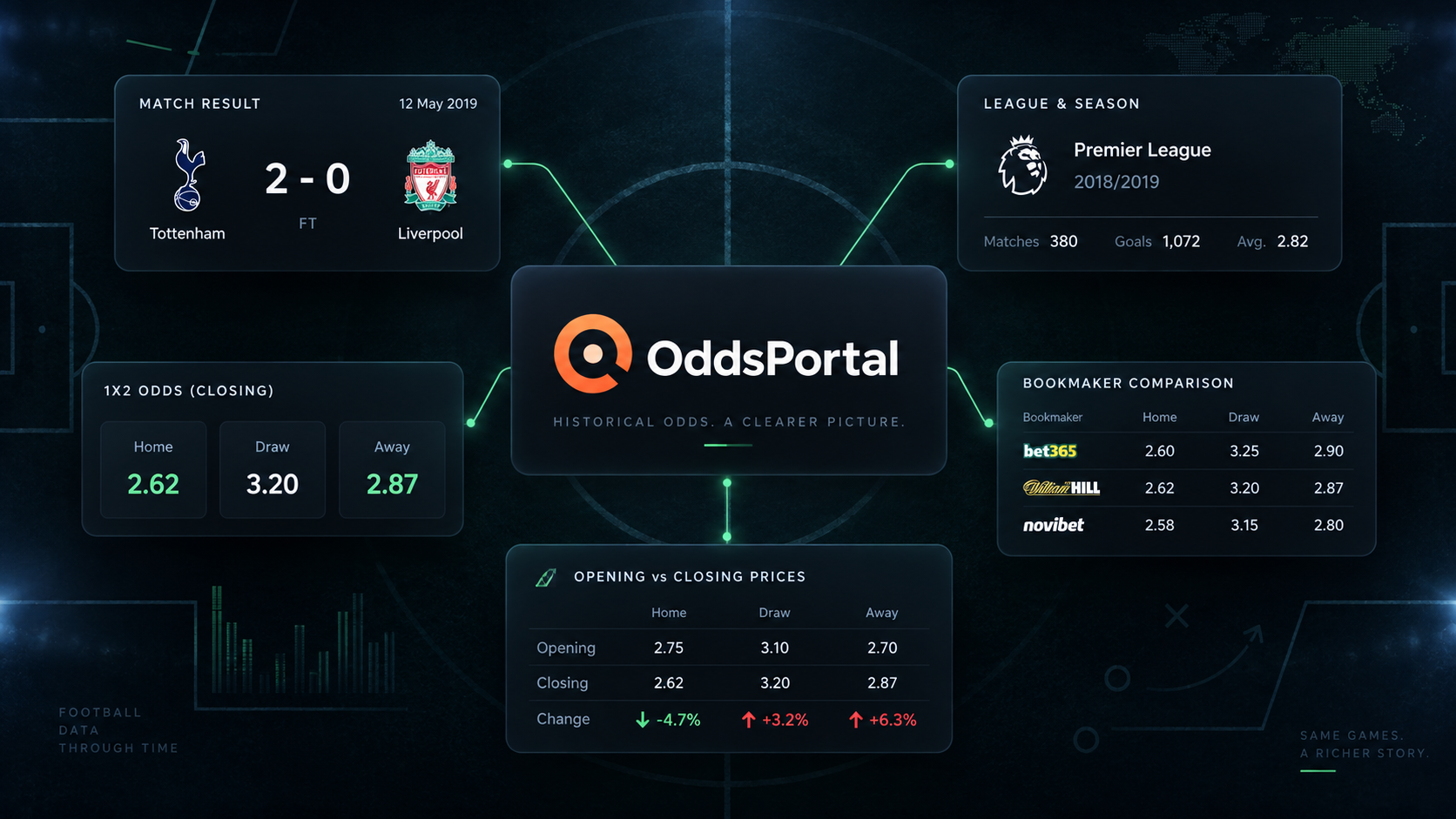
Export six finished matches
- Open the Actor on Apify and choose the Input tab.
- Add the season's
/results/URL under League URLs. - Set Max matches to
6and leave Scrape all betting markets off. - Keep the residential proxy set to Malta for this example, then click Start.
- Open the run's Dataset when it finishes. Use Export for CSV or JSON.
The JSON editor accepts this complete input:
{
  "startUrls": [
    {
      "url": "https://www.oddsportal.com/football/england/premier-league-2024-2025/results/"
    }
  ],
  "maxItems": 6,
  "scrapeMatchMarkets": false,
  "proxyConfiguration": {
    "useApifyProxy": true,
    "apifyProxyGroups": ["RESIDENTIAL"],
    "apifyProxyCountry": "MT"
  }
}
maxItems is a ceiling across every URL in the run. If you add two seasons, the first can use the whole allowance. Run them separately when you need the same number of matches from each season.
Our live example returned six finished matches. One abbreviated row was:
{
  "matchId": 7719161,
  "eventId": "hnqjYTeK",
  "league": "Premier League 2024/2025",
  "homeTeam": "Southampton",
  "awayTeam": "Arsenal",
  "startTime": "2025-05-25T15:00:00.000Z",
  "status": "Finished",
  "result": "1:2",
  "bookmakerCount": 12,
  "odds": {
    "home": { "average": 11.46, "highest": 12.2 },
    "draw": { "average": 6.41, "highest": 6.8 },
    "away": { "average": 1.25, "highest": 1.28 }
  },
  "bookmakerOdds": [
    { "bookmaker": "bet-at-home", "home": 11, "draw": 6.5, "away": 1.25 },
    { "bookmaker": "bet365", "home": 12, "draw": 6, "away": 1.25 }
  ]
}
The two bookmaker objects shown here are an excerpt. The returned row reported twelve bookmakers for that match.
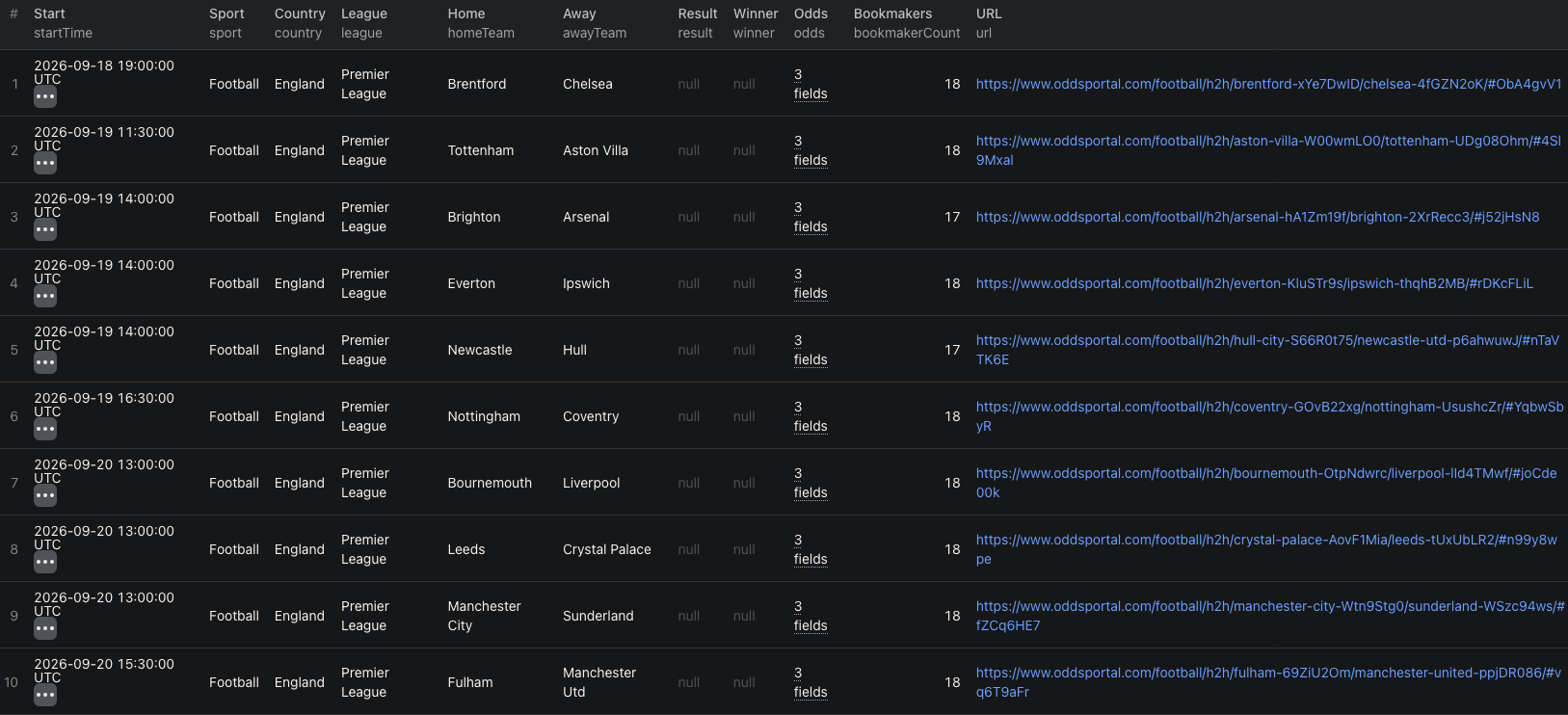
The OddsPortal Node.js example uses this input and prints the resulting dataset.
Make a comparison you can reproduce
Export JSON when you need the nested bookmakerOdds array. Keep one match row per matchId, then expand the bookmaker array into a separate table keyed by match ID and bookmaker ID. Record the proxy country and run time alongside the export; bookmaker availability and prices depend on region and can change.
For an initial check, compare the home, draw, and away values from the same bookmaker on the same match. The odds.home.highest and odds.away.highest figures may come from different bookmakers. Combining them into a single supposed bookmaker offer would create a result the source never showed.
The match result tells you what happened. The odds describe the prices the source associates with that fixture. Do not convert either into a claim that a wager could have been placed at a particular time, stake, or jurisdiction without confirming those conditions.
| Field | Useful check |
|---|---|
matchId, eventId, league | Keep each match and season identifiable across exports. |
startTime, status, result | Separate finished matches from fixtures before analysis. |
odds | Read the average and best match-winner prices for a quick overview. |
bookmakerOdds | Compare actual source-listed bookmaker prices and payout values side by side. |
markets | Inspect market, scope, handicap, and opening/closing prices when full markets are enabled. |
Add full markets when the question needs them
Set scrapeMatchMarkets to true for markets beyond the match winner, including Over/Under, Asian Handicap, Both Teams to Score, and other available scopes. The added markets array can contain opening and closing prices and opening timestamps by bookmaker.
Use this mode for a specific market question, such as comparing the opening and closing price for an Over/Under 2.5 line. Match the market, scope, handicap, outcome, and bookmaker before calculating any movement. Intermediate price ticks are not supplied, so the difference between open and close is not a complete intraday history.
For routine season exports that need only scores and match-winner prices, keep the option off. It makes the run smaller and avoids the additional market-book event charge.
Pricing
Pricing as of September 23, 2026 is $0.003 per returned match with match-winner odds. Enabling all markets adds $0.02 per enriched match. The Actor start event is $0.00005 per GB of allocated memory, with a minimum of one event.
Our six-match run used one start event and six match-odds events, for $0.00005 + (6 × $0.003) = $0.01805 in Actor event charges. If all six also produced full market books, the additional event charges would be 6 × $0.02 = $0.12. Apify platform or proxy usage may be billed separately according to your plan. Check live pricing before running a full season.
If the dataset looks different from the page
- Bookmakers are missing or unfamiliar. Check
apifyProxyCountry. OddsPortal shows a region-specific set, and older seasons can have thinner coverage. - A plain league URL returns fixtures. Use the season's
/results/URL for finished matches with scores. - A market is absent. Confirm that
scrapeMatchMarketswas on and that the source offered that market for the match. - A small sample covers only one date.
maxItemslimits the first returned matches. Increase it or run a narrower season or league URL before treating the sample as season-wide. - A calculation assumes one universal best price. Review the bookmaker attached to each price and keep the run's region with the data.
Frequently asked questions
Can I export a specific historical season?
Yes. Add that season's OddsPortal results URL under startUrls. maxItems limits the total number of matches across all URLs in the run.
Does the basic result include every betting market?
No. Basic rows include match-winner odds by bookmaker. Set scrapeMatchMarkets to true for the additional market book, with a separate charge for each enriched match.
Why do the bookmakers differ from the site I see?
OddsPortal varies bookmaker coverage by region. The proxy country used for the run determines which bookmakers appear in its output.
