How to Scrape The RealReal Listings for Luxury Resale Research
Luxury resale comparisons become unreliable when price is separated from designer, condition, material, and availability. A lower-priced bag may be a different size, made from another material, or in visibly different condition.
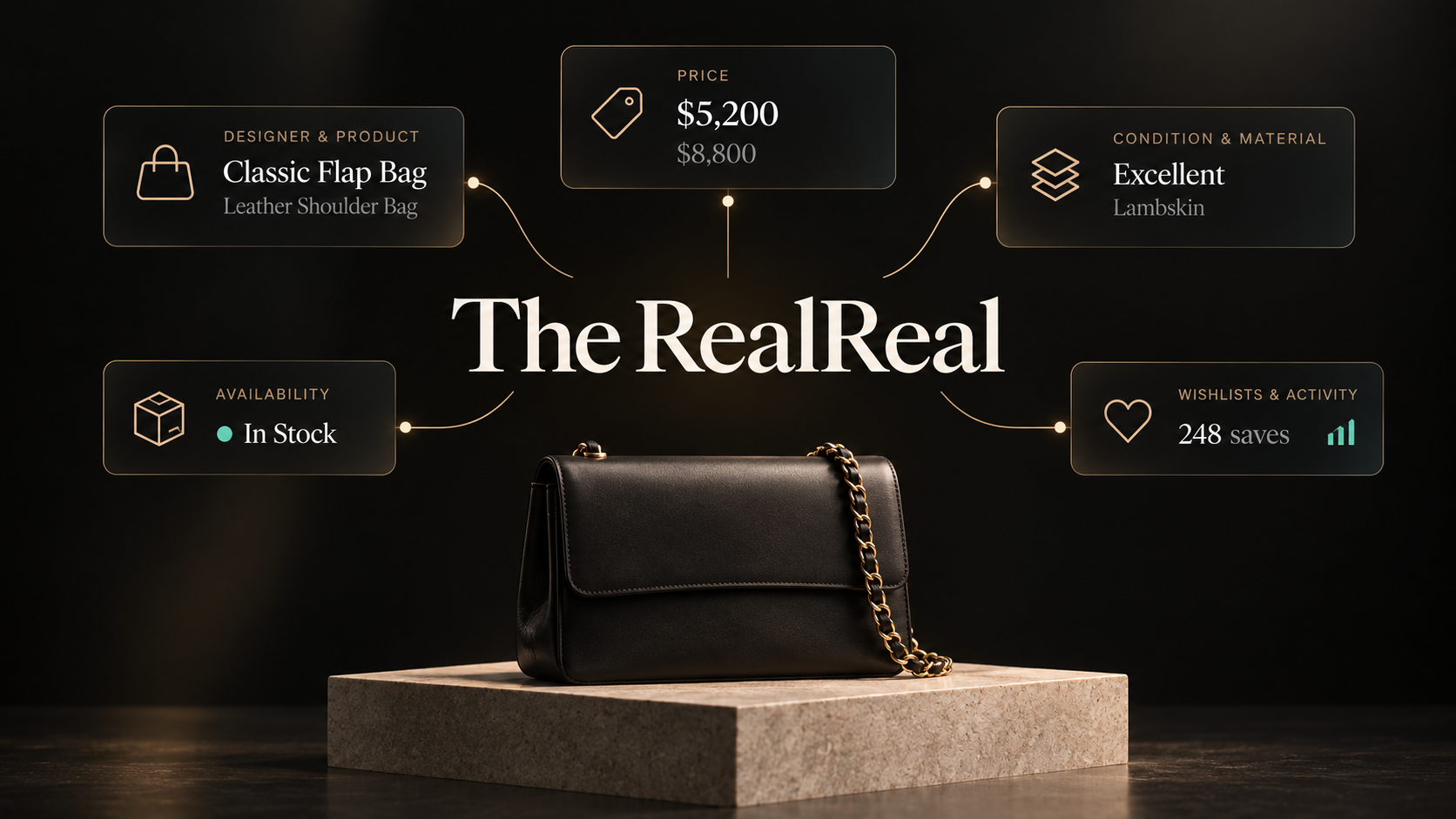
Our The RealReal Listings Scraper turns category, designer, and search-results pages into structured product rows. Listing mode returns the designer, SKU, current and reference prices, condition, color, material, availability, images, wishlist activity, and product URL. Optional detail mode adds descriptions, condition notes, measurements, taxonomy, valuation links, and store information.
Start with listing mode. It is faster and usually contains enough data to choose which products deserve a full-page check.
Export fifty handbag listings
- Open the Actor on Apify and click Try for free.
- Add a public category, designer, or search-results URL under Category / search URLs.
- Set Max items to
50. - Leave Scrape full product details off.
- Keep the default US residential proxy configuration and click Start.
maxItems is a global limit across all start URLs. If you enter two category pages with a limit of 50, the run returns at most 50 products in total, not 50 from each page.
We used this input for the example:
{
  "startUrls": [
    { "url": "https://www.therealreal.com/shop/women/handbags" }
  ],
  "maxItems": 50,
  "scrapeDetails": false,
  "proxyConfiguration": {
    "useApifyProxy": true,
    "apifyProxyGroups": ["RESIDENTIAL"],
    "apifyProxyCountryCode": "US"
  }
}
Our example run returned 50 handbag rows in about nine seconds. One abbreviated row was:
{
  "id": "54689947",
  "sku": "GUC2150374",
  "name": "Piston Lock Jackie Vintage",
  "designer": "Gucci",
  "availability": "AVAILABLE",
  "quantity": "1",
  "condition": "Very Good",
  "color": "Black",
  "material": "Leather",
  "gender": "Women",
  "price": {
    "final": { "formatted": "$865.00", "usdCents": 86500 },
    "msrp": null,
    "original": { "formatted": "$865.00", "usdCents": 86500 },
    "discount": null
  },
  "obsessionCount": 208,
  "badge": { "text": "Editors' Pick" },
  "waitlisted": false,
  "url": "https://www.therealreal.com/products/women/handbags/shoulder-bags/gucci-piston-lock-jackie-vintage-wk717"
}
| Field group | How to use it |
|---|---|
id, sku, url | Identify a listing across exports and reopen the source page before acting on it. |
designer, name, attributes | Separate comparable product families, styles, and source-provided attributes. |
price.final, price.original, price.msrp | Current and reference values in formatted form and integer cents. Reference prices are not completed-sale prices. |
condition, color, material | Keep the most important comparability fields beside the price. |
availability, quantity, waitlisted | Describe the listing state at collection time, not future availability. |
obsessionCount, badge | Marketplace popularity and merchandising signals. They do not prove a sale occurred. |
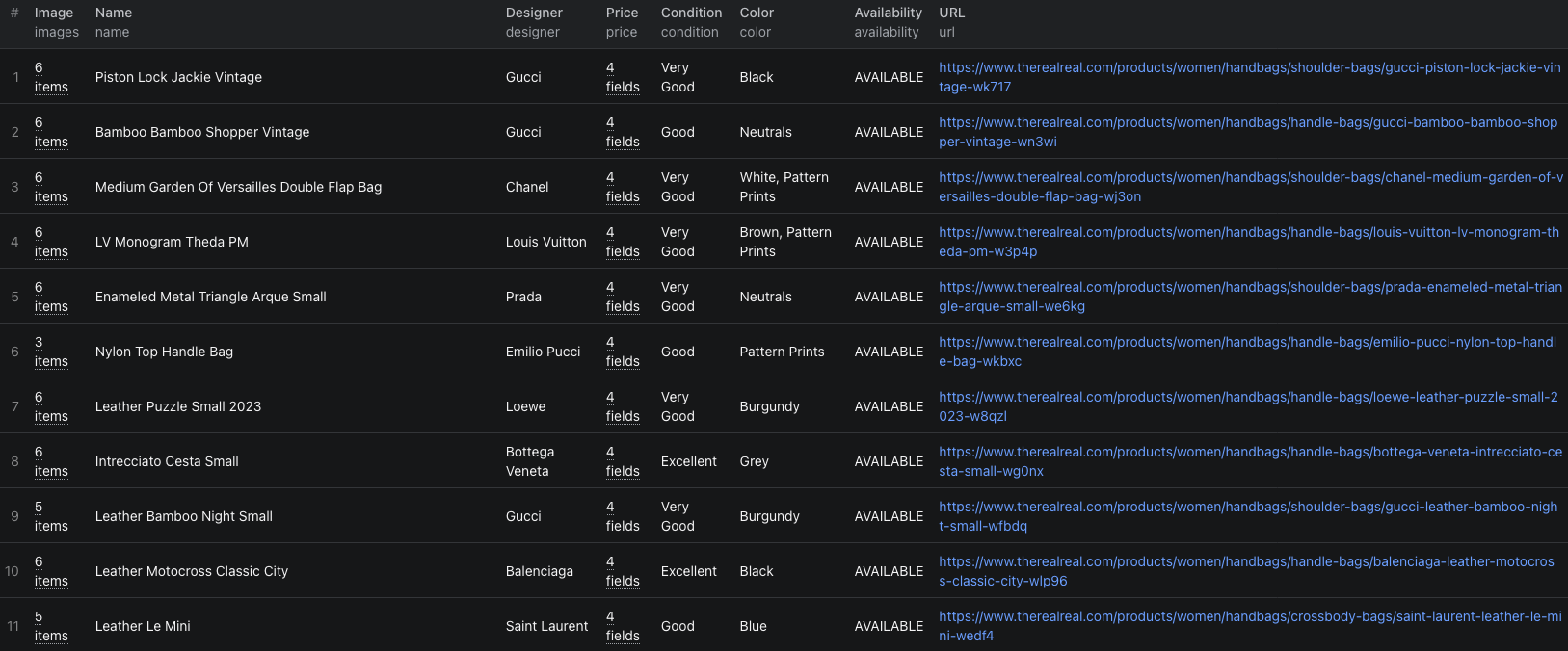
The The RealReal Node.js example runs the same 50-product export with apify-client and retrieves the resulting dataset.
Build a comparison that respects condition
Start by grouping products by designer and a narrow product family. Then keep condition, material, color, and the product page beside every price.
A useful review sequence is:
- Keep rows whose
availabilityisAVAILABLE. - Group by
designerand comparable style attributes. - Separate condition grades instead of averaging them together.
- Use integer cent fields for calculations and formatted values for display.
- Open the source listing to verify size, wear, inclusions, and current availability.
obsessionCount can help prioritize listings that attract attention, but it is a wishlist-style signal. It is not a sales count or proof of demand at the listed price.
Add full details only to the shortlist
Turn on scrapeDetails when the decision depends on fields that are absent from the category card:
- Full description and condition notes.
- Measurements and measurement guides.
- Category taxonomy and additional attributes.
- Valuation report links where supplied.
- Store contact information.
Detail mode visits every selected product page. Narrow the start URL or lower maxItems before enabling it. This avoids paying for detailed records you will immediately discard.
The RealReal can expose roughly 2,000 products for one broad query. To research beyond that source limit, divide the work into narrower designer, category, color, or price-filter URLs. Keep those filters in your export metadata so overlapping slices can be deduplicated by product ID.
Pricing
Pricing as of September 21, 2026 is:
| Returned row | Price |
|---|---|
| Product listing | $0.005 |
| Product with full details | $0.02 |
| Actor start | $0.00005 per GB of allocated memory, minimum one event |
At the example run's 1 GB memory setting, 50 listing rows come to (50 × $0.005) + $0.00005 = $0.25005 in Actor event charges. Fifty full-detail rows would be $1.00005. Apify platform usage, including residential proxy traffic, can be billed separately according to your plan. Check the run cost and live pricing before scheduling a broad watch.
Check these before using the export
- A reference price is missing. Not every listing includes MSRP or a separate original price. Do not fill the gap with an estimate.
- Two products share a designer but are not comparable. Check style, size, material, color, condition, and included accessories before comparing prices.
- A product disappears later. A missing item from a limited category export does not prove it sold. Reopen its URL and retain the earlier availability value.
- The same item appears in overlapping URL slices. Deduplicate by
idorsku, while preserving which search or category found it. - The run reaches 2,000 products for one query. Split the target into narrower filtered URLs instead of calling the result a complete catalog.
Frequently asked questions
What URLs can I use with The RealReal Listings Scraper?
Use public The RealReal category, designer, or search-results URLs. The Actor follows pagination and applies one global maxItems limit across the run.
Do I need full product details for price research?
Usually not. Listing mode already returns designer, prices, condition, material, images, availability, and popularity signals. Enable details only when you need descriptions, condition notes, measurements, taxonomy, or store information.
Does the discount prove what an item previously sold for?
No. The price object contains The RealReal's current, original, and retail-reference values when available. Treat them as source-provided listing fields, not completed-sale history.