How to Scrape TikTok Shop Reviews and Rating Breakdowns
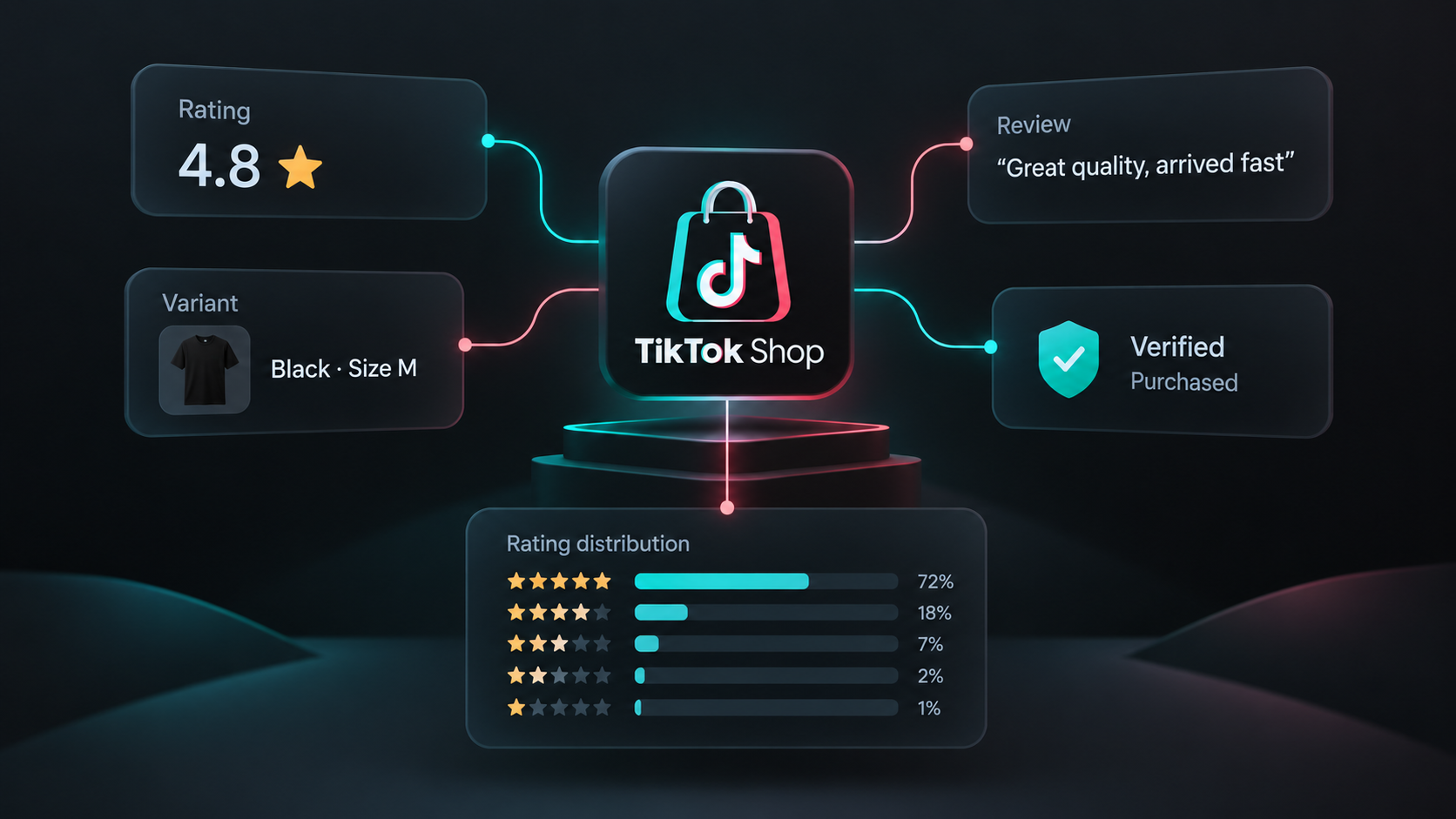
A product's average rating tells you very little about why buyers liked it, which variant they purchased, or whether recent complaints are changing. Review-level data gives you that context, but it is useful only when the product summary and collection coverage stay attached to the export.
Our TikTok Shop Reviews Scraper accepts TikTok Shop US product URLs or product IDs. It returns one row per review with the rating, text, date, purchased variant, photos, verified-purchase and incentivized flags, country, and masked reviewer name. It also returns one product-summary row with the displayed total, average rating, star distribution, and number of reviews actually collected.
The main limitation is storefront coverage. This version supports TikTok Shop US products. TikTok Shop can also stop serving review pages before its displayed total is reached, so treat returnedReviews as the collected amount rather than assuming the displayed total was available.
Export a small recent sample first
- Open the Actor on Apify and click Try for free.
- Add one or more TikTok Shop US product URLs or numeric product IDs under Product URLs or IDs.
- Set Max reviews per product to
50. - Keep Sort reviews by on Most recent and Only these reviews on All reviews.
- Click Start, then open the resulting dataset.
The limit applies separately to each product. Two valid products with a limit of 50 can therefore return up to 100 review rows, plus one summary row for each product with reviews.
We used this input for the launch example:
{
  "productUrls": [
    "https://shop.tiktok.com/us/pdp/x/1729587769570529799",
    "1731726912824578262"
  ],
  "maxReviewsPerProduct": 50,
  "sortBy": "recent",
  "reviewFilter": "all",
  "proxyConfiguration": {
    "useApifyProxy": true
  }
}
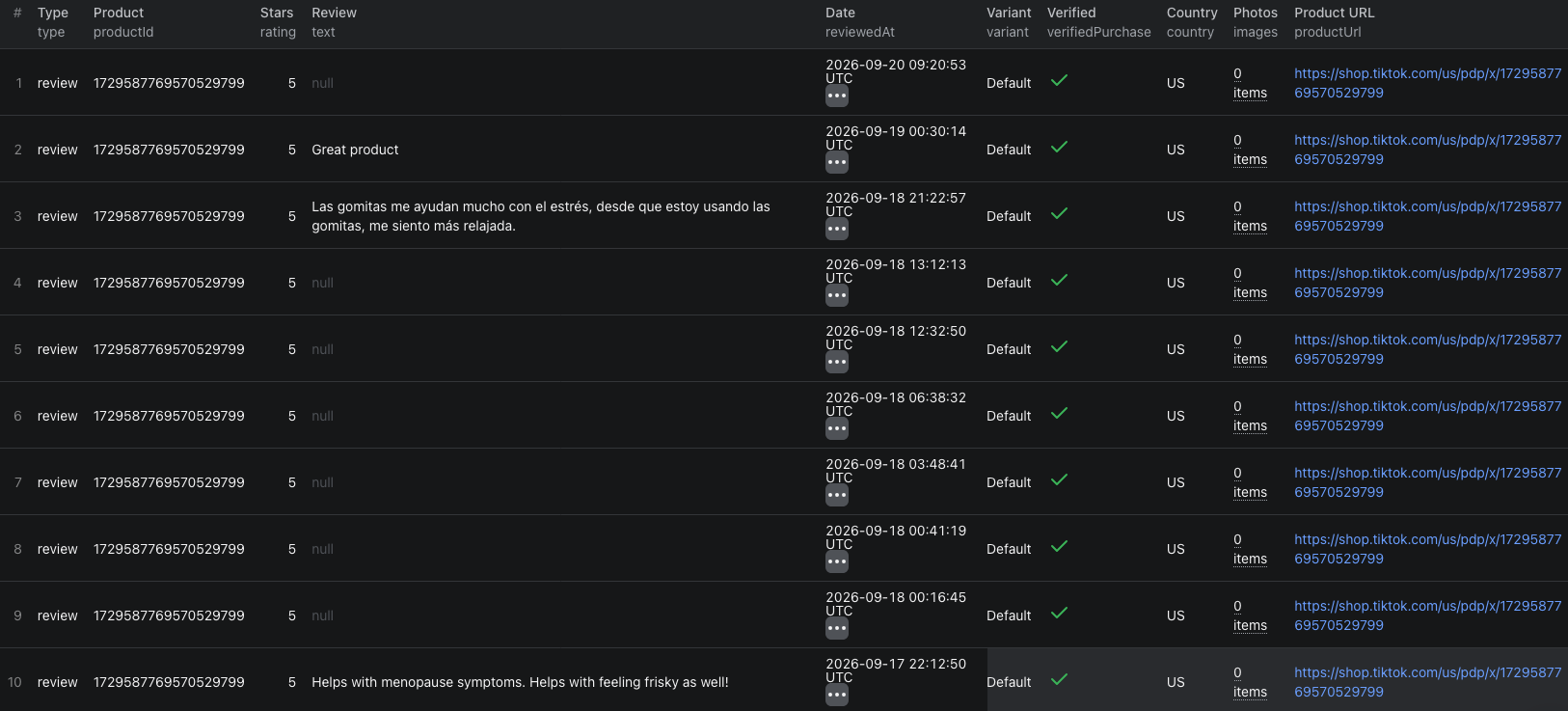
Our example run returned 100 review rows and two product-summary rows. It collected 50 recent reviews for each product in about 36 seconds. One source displayed 71,746 reviews and the other displayed 392, so both summaries correctly showed that the result was a capped sample.
An abbreviated review row was:
{
  "type": "review",
  "productId": "1729587769570529799",
  "productName": "3 Bottles of Goli Ashwagandha & Vitamin D Gummy",
  "reviewId": "7687037120070010637",
  "rating": 5,
  "text": "Great product",
  "reviewedAt": "2026-09-19T00:30:14.664Z",
  "verifiedPurchase": true,
  "incentivized": false,
  "variant": "Default",
  "country": "US",
  "reviewerName": "A**y",
  "images": [],
  "scrapedAt": "2026-09-20T11:53:44.220Z"
}
The corresponding product row keeps the coverage visible:
{
  "type": "product",
  "productId": "1729587769570529799",
  "status": "ok",
  "totalReviews": 71746,
  "ratingAverage": 4.67,
  "ratingHistogram": {
    "1": 3256,
    "2": 764,
    "3": 1816,
    "4": 4665,
    "5": 61245
  },
  "matchingReviews": 71746,
  "returnedReviews": 50,
  "scrapedAt": "2026-09-20T11:53:44.220Z"
}
| Field group | How to use it |
|---|---|
productId, reviewId | Use the pair as a stable downstream key when products are collected again. |
rating, text, reviewedAt | Filter reviews by score and time while keeping the original text beside the rating. |
variant, skuId | Separate feedback about different sizes, colors, flavors, or bundles where TikTok supplies the variant. |
verifiedPurchase, incentivized | Source-provided context for interpreting a review. These flags do not independently prove its accuracy. |
images | TikTok-hosted review photos. Download needed files promptly because source URLs can expire. |
totalReviews, matchingReviews, returnedReviews | Compare what TikTok states with what the selected filter matched and what the run returned. |
The TikTok Shop reviews Node.js example runs the same two-product export with apify-client and retrieves the resulting dataset.
Filter before collecting more reviews
Use reviewFilter when the task is narrower than a general sample. Available values are 5_stars, 4_stars, 3_stars, 2_stars, 1_star, with_media, and verified_purchase.
For example, this input collects up to 100 one-star reviews for one product:
{
  "productUrls": ["1729587769570529799"],
  "maxReviewsPerProduct": 100,
  "sortBy": "recent",
  "reviewFilter": "1_star"
}
matchingReviews represents TikTok Shop's count for the selected filter when the source provides it. returnedReviews is the number actually delivered. If the product has fewer than 100 matching reviews, or TikTok stops serving pages, the result can be smaller than the requested maximum.
Use with_media when review photos matter. The Actor returns image URLs, not permanent copies of those files. Download the media you are permitted to retain rather than treating the source URL as durable storage.
Turn the export into a useful review table
Keep review rows and product rows distinguishable by type. For a product-quality review:
- Group review rows by
productIdandvariant. - Compare repeated subjects in low-rating text rather than treating one complaint as a trend.
- Retain
reviewedAtso older and newer feedback are not mixed blindly. - Keep source-provided purchase and incentive flags beside the text.
- Join the product-summary row by
productIdso every sample shows its rating distribution and coverage.
The review text can contain multiple languages and rating-only rows can have text: null. Decide whether to translate, exclude, or analyze those rows separately before calculating text-based sentiment. Do not silently turn missing text into neutral sentiment.
Pricing
Pricing as of September 20, 2026 is additive:
| Event | Price |
|---|---|
| Actor start | $0.00005 per GB of allocated memory, minimum one event |
| Review returned | $0.0015 per review |
| Product rating summary | $0.002 per product with reviews |
At the default 2 GB memory, our 100-review, two-product example comes to (2 × $0.00005) + (100 × $0.0015) + (2 × $0.002) = $0.1541 in Actor event charges. Products without reviews do not create a product-summary event. Apify platform usage can be billed separately according to your plan, so check the run cost and live pricing before a large export.
Check these limits before scaling up
- A regional link is skipped. Use a TikTok Shop US product URL or its numeric product ID. This version does not collect other storefronts.
- The displayed total is much larger than the export. TikTok Shop can limit how far its review feed can be paginated. Use the summary fields to report the actual coverage.
- A review has no text. Some buyers leave a rating without written feedback. Keep
text: nullrather than inventing a value. - Reviewer names are incomplete. TikTok masks the names. The Actor does not recover account identifiers or avatars.
- Photo links stop working later. They point to TikTok-hosted files and can expire. Download permitted media soon after collection when the files matter.
- A high limit becomes expensive.
maxReviewsPerProductapplies to every product, so estimate the total review events before adding a long list.
Frequently asked questions
Can the TikTok Shop Reviews Scraper collect reviews from every country?
No. This version supports products on the TikTok Shop US storefront. Product links from other regional storefronts are skipped.
Does the scraper always return TikTok Shop's full displayed review count?
No. TikTok Shop can stop serving reviews before its displayed total is reached. Compare returnedReviews with totalReviews or matchingReviews to understand the coverage of each product.
Are reviewer names and purchase flags independently verified?
No. Reviewer names are masked by TikTok Shop, and verifiedPurchase and incentivized are source-provided labels. Keep that context when using the data.