
How to Analyze Kaspi Product and Merchant Reviews
A product with a strong average rating can still have complaints about a particular seller. To see the difference, look at both the product's reviews and the merchant's own feedback.
Our Kaspi Reviews Scraper accepts Kaspi.kz product and merchant URLs. It exports rating summaries and individual reviews with stars, text, pros and cons, dates, photos, and merchant or product identifiers. Reviews remain in the language buyers wrote them, usually Russian or Kazakh. You can use the Apify Input form without writing code.
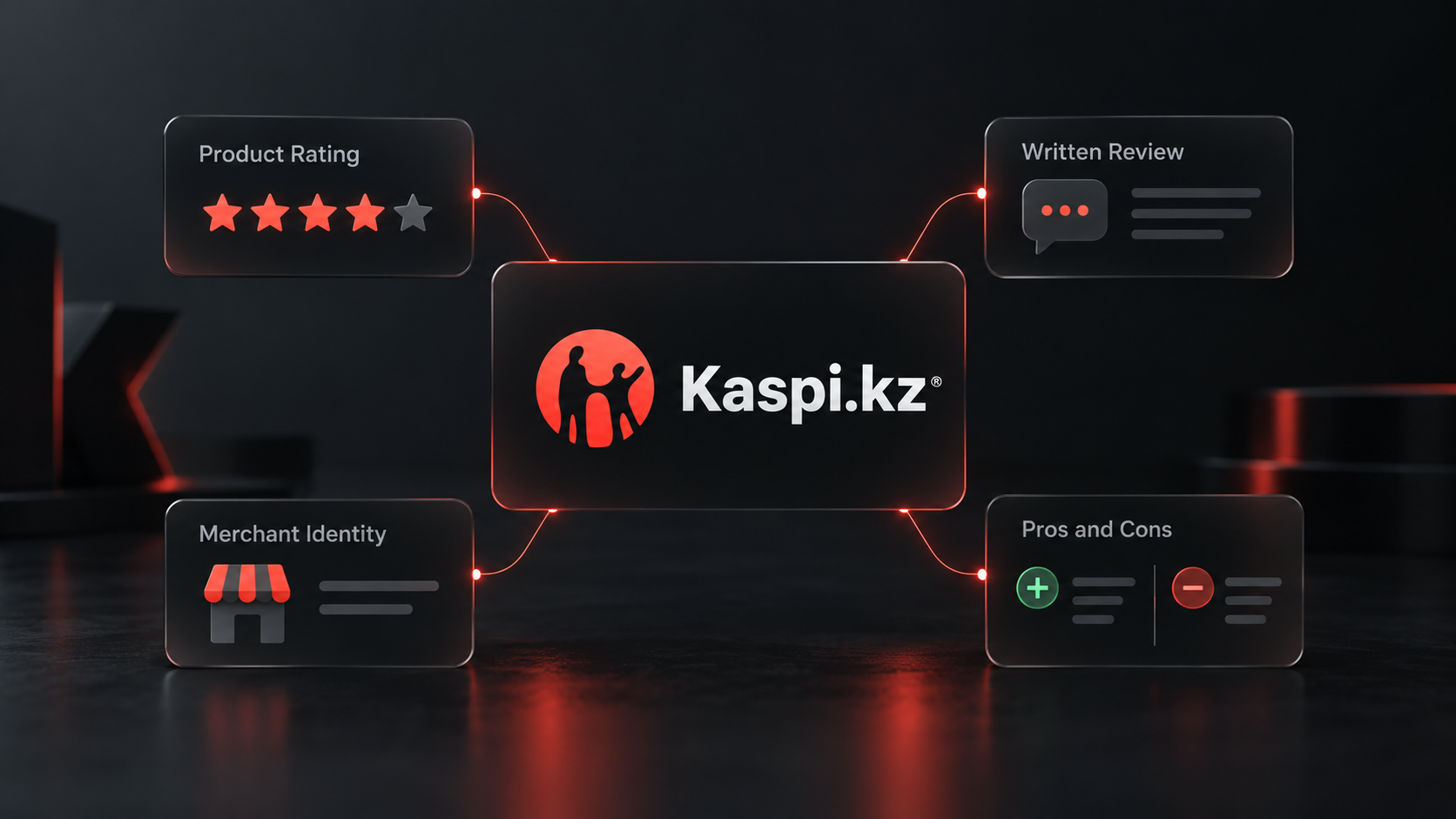
Start with one product and one store
Open the Actor on Apify. Under Product or merchant URLs, add the two URLs below. Set Max reviews per product or merchant to 10, leave Only reviews with text on, and keep Ratings at All ratings. Then click Start and open the run's Dataset.
In the JSON editor, the same input is:
{
  "urls": [
    "https://kaspi.kz/shop/p/apple-iphone-15-128gb-nanosim-esim-chernyi-113137790/",
    "https://kaspi.kz/shop/info/merchant/960061/reviews-tab/"
  ],
  "maxReviews": 10,
  "onlyWithText": true,
  "ratingFilter": "all",
  "proxyConfiguration": {
    "useApifyProxy": true,
    "apifyProxyGroups": ["RESIDENTIAL"]
  }
}
maxReviews applies to each URL, not the entire run. The product and merchant can share a review; our Actor returns that review only once. Keep the residential proxy setting because Kaspi access requires it.
The dataset mixes summary and review rows. Use recordType to separate them. An abbreviated product summary from our Actor documentation shows the difference between the overall rating and the text-bearing reviews:
{
  "recordType": "product-summary",
  "id": "113137790",
  "averageRating": 4.9,
  "reviewCount": 11810,
  "withText": 6337,
  "negative": 150
}
Those counts are a September 27, 2026 snapshot, not a promise about today's total. With Only reviews with text on, the individual review rows exclude star-only ratings, while the summary still describes the product's rating history.
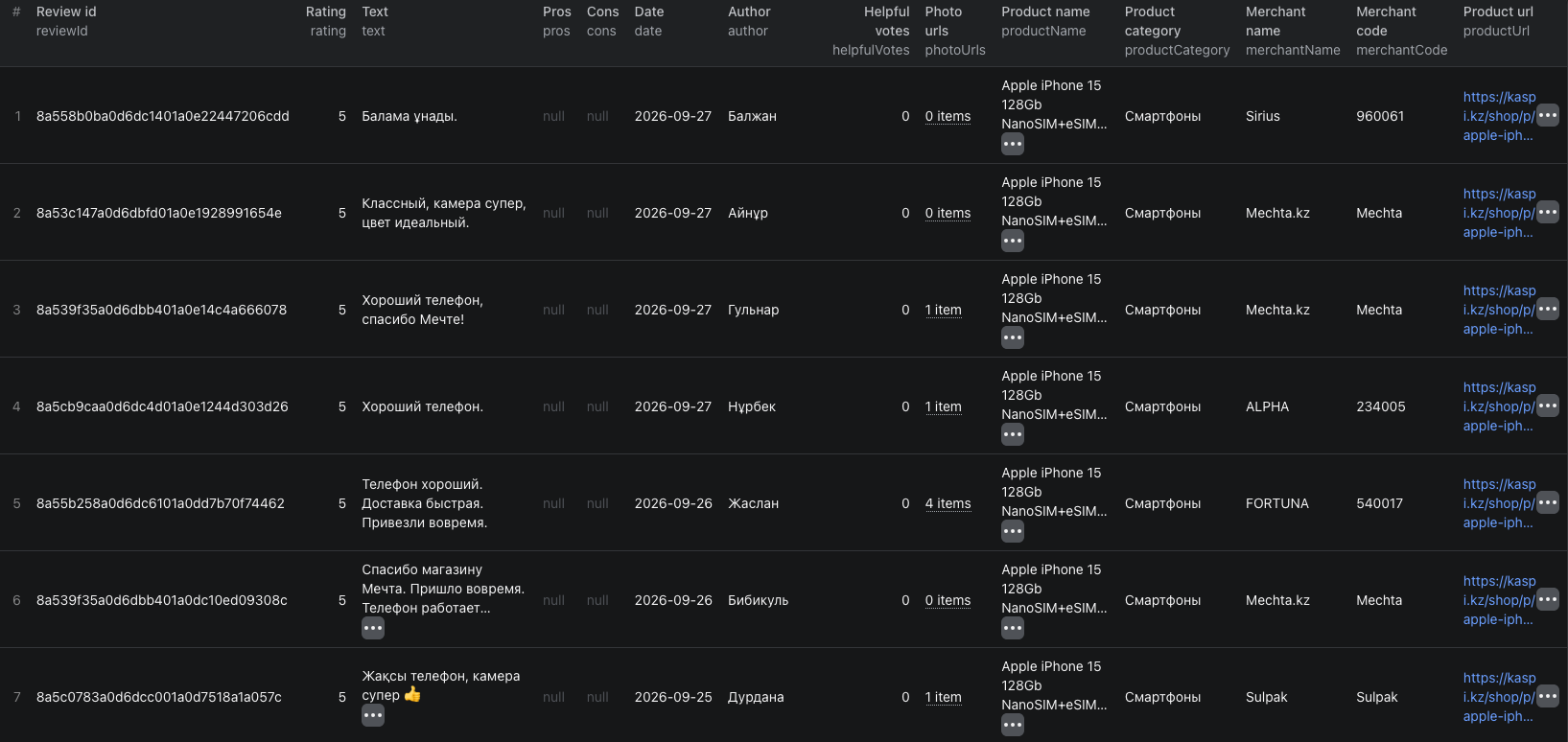
This dataset screenshot shows seven visible product-review rows from a separate run. It includes merchant names beside each review; summary rows are not visible in this crop.
The Kaspi reviews Node.js example runs this same small input and reads the dataset through Apify's API.
Keep product quality and seller service separate
For product reviews, filter recordType to review and source to product. Group by productId and inspect rating, text, pros, and cons. Keep merchantCode beside each row so a delivery or service complaint is not automatically blamed on the product.
For the merchant URL, use source: "merchant" and group by merchantCode. These rows may concern many different items, so keep productId and productName when reading them. A merchant review history is not a second independent rating for the one iPhone in the example.
Export the dataset as CSV for a review sheet or JSON to preserve arrays such as photoUrls. The run's Coverage summary reports how many reviews were scanned and returned for each target and why collection stopped. A ten-review sample is useful for a first look, not a complete sentiment study. If you need only complaints, rerun with ratingFilter: "negative"; that selects one- to three-star reviews. reviewedSince can narrow a later monitoring run by review date.
Kaspi serves at most the newest 10,000 reviews from one list. The coverage summary flags this limit. Do not call a capped export the full history. For prices and seller offers rather than written feedback, use our Kaspi price comparison guide.
Pricing
Pricing as of September 27, 2026 is $0.002 per product or merchant rating summary with reviews plus $0.001 per saved review. The Actor start event is $0.00005 per GB of allocated memory, minimum one event. If both targets have reviews and the run saves ten unique reviews from each, that is $0.02405 in Actor events at 1 GB. Shared reviews are saved and charged once, so the actual total may be lower. Residential proxy and other Apify platform usage may be billed separately under your plan. See live pricing before a larger export.
Frequently asked questions
Are product reviews and merchant reviews the same thing?
No. A product page collects feedback about an item sold by different merchants. A merchant page collects feedback about one store across its products. Keep the source and merchantCode when comparing them.
Does maxReviews apply to the whole run?
No. maxReviews is a limit for each product or merchant in urls. A summary row is returned separately for each target.
