How to Scrape BBB Business Details, Complaints, and Reviews
A BBB search result can help you find a company, but vendor qualification usually needs the underlying profile: management names, phone numbers, accreditation dates, licenses, years in business, and the context behind complaints or reviews.
Our BBB Business Details Scraper accepts public BBB business profile URLs and returns one structured record per company. The base record includes contact and company details, BBB rating, accreditation, complaint totals, and review totals. Full complaints and customer reviews are optional.
This guide uses one profile to build a reviewable vendor record. The output helps organize source data; it does not verify a company, resolve allegations, or replace checking licenses with the relevant issuing authority.
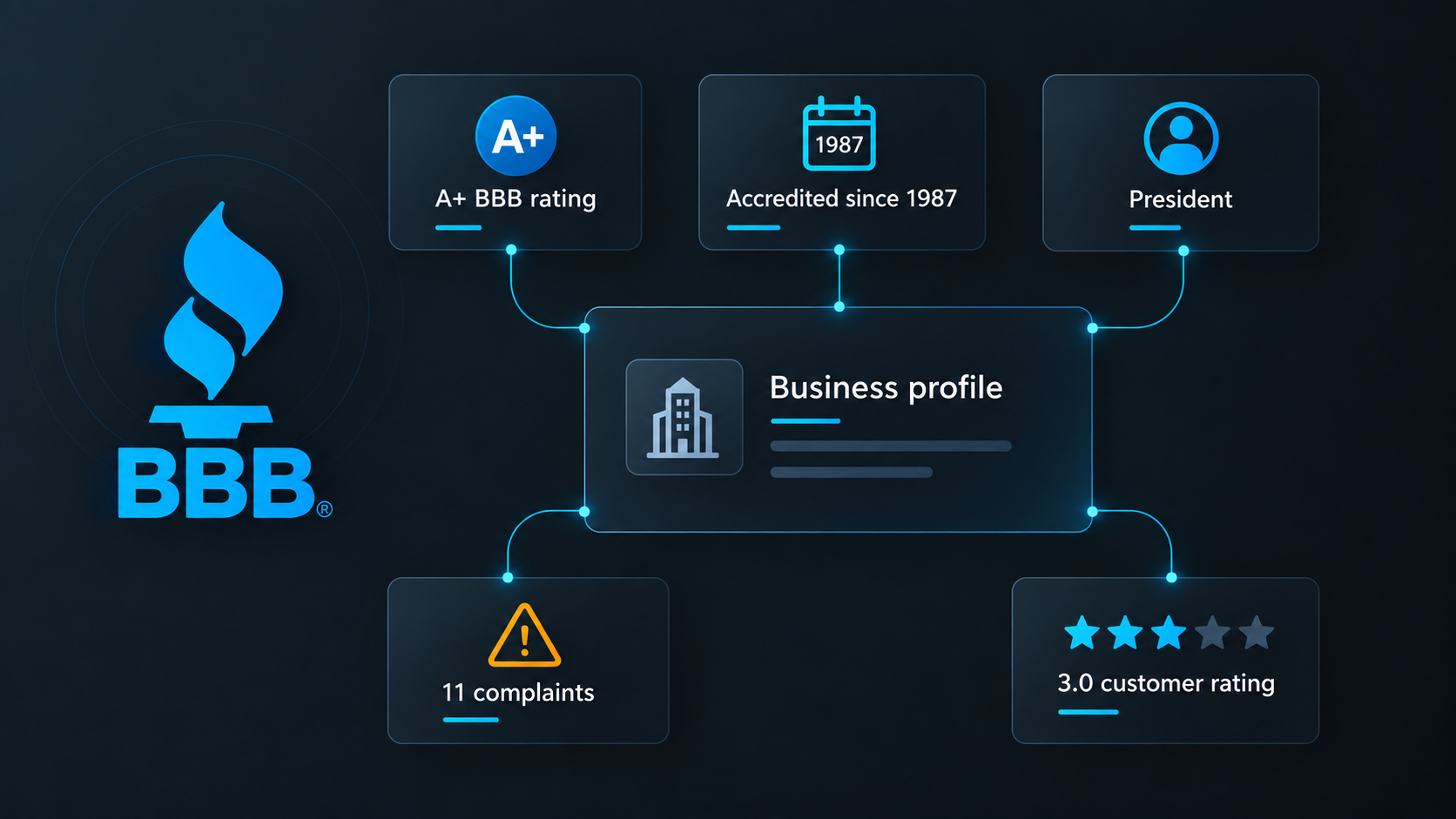
Collect one complete vendor record
- Open the Actor on Apify and click Try for free.
- Add a public BBB profile under BBB profile URLs.
- Turn on Include complaints and Include customer reviews.
- Set both per-business limits to
3for a small first run. - Keep the default US residential proxy configuration and click Start.
We used this input:
{
  "startUrls": [
    {
      "url": "https://www.bbb.org/us/tx/plano/profile/security-system-monitors/smith-thompson-home-security-0875-9237"
    }
  ],
  "includeComplaints": true,
  "includeReviews": true,
  "maxItems": 1,
  "maxComplaintsPerBusiness": 3,
  "maxReviewsPerBusiness": 3,
  "proxyConfiguration": {
    "useApifyProxy": true,
    "apifyProxyGroups": ["RESIDENTIAL"],
    "apifyProxyCountry": "US"
  }
}
maxItems limits businesses across the run. The complaint and review limits apply separately to each business. Ten profiles with both limits set to three can therefore return up to 30 complaints and 30 reviews inside ten business records.
Our example run returned one business with three complaints and three customer reviews. An abbreviated part of the record was:
{
  "name": "Smith Thompson Home Security",
  "category": "Security System Monitors",
  "phone": "(972) 526-8500",
  "website": "https://smiththompson.com/",
  "contacts": [
    {
      "name": "[profile-listed principal]",
      "title": "President",
      "isPrincipal": true,
      "isManagement": true
    }
  ],
  "rating": "A+",
  "isAccredited": true,
  "accreditedSince": "1987-01-01",
  "yearsInBusiness": 49,
  "complaintsTotal": 11,
  "complaintsClosedLast12Months": 3,
  "reviewsTotal": 10,
  "averageReviewRating": 3,
  "status": "ok",
  "complaints": ["... 3 complaint objects ..."],
  "reviews": ["... 3 review objects ..."]
}
The arrays are capped samples. complaintsTotal and reviewsTotal describe the totals shown on the profile, while complaints.length and reviews.length reflect what this run collected.
| Field group | How to use it |
|---|---|
name, alternateNames, address, businessId | Match the record to the intended legal or operating entity before merging it with another source. |
phone, additionalPhones, email, website | Keep each published channel separately. Missing email is a valid result, not a reason to invent one. |
contacts | Review profile-listed principals and management names with their titles. Confirm current roles before outreach. |
rating, isAccredited, accreditedSince | Preserve BBB's distinct source fields instead of compressing them into one trust score. |
licenses, entityType, businessStarted | Use as leads for verification with official registries and the company, not as independent proof. |
complaintsTotal, reviewsTotal, averageReviewRating | Retain the profile-level totals beside any capped complaint or review sample. |
complaints, reviews | Read the source text, dates, statuses, responses, and rebuttals together before classifying a recurring issue. |
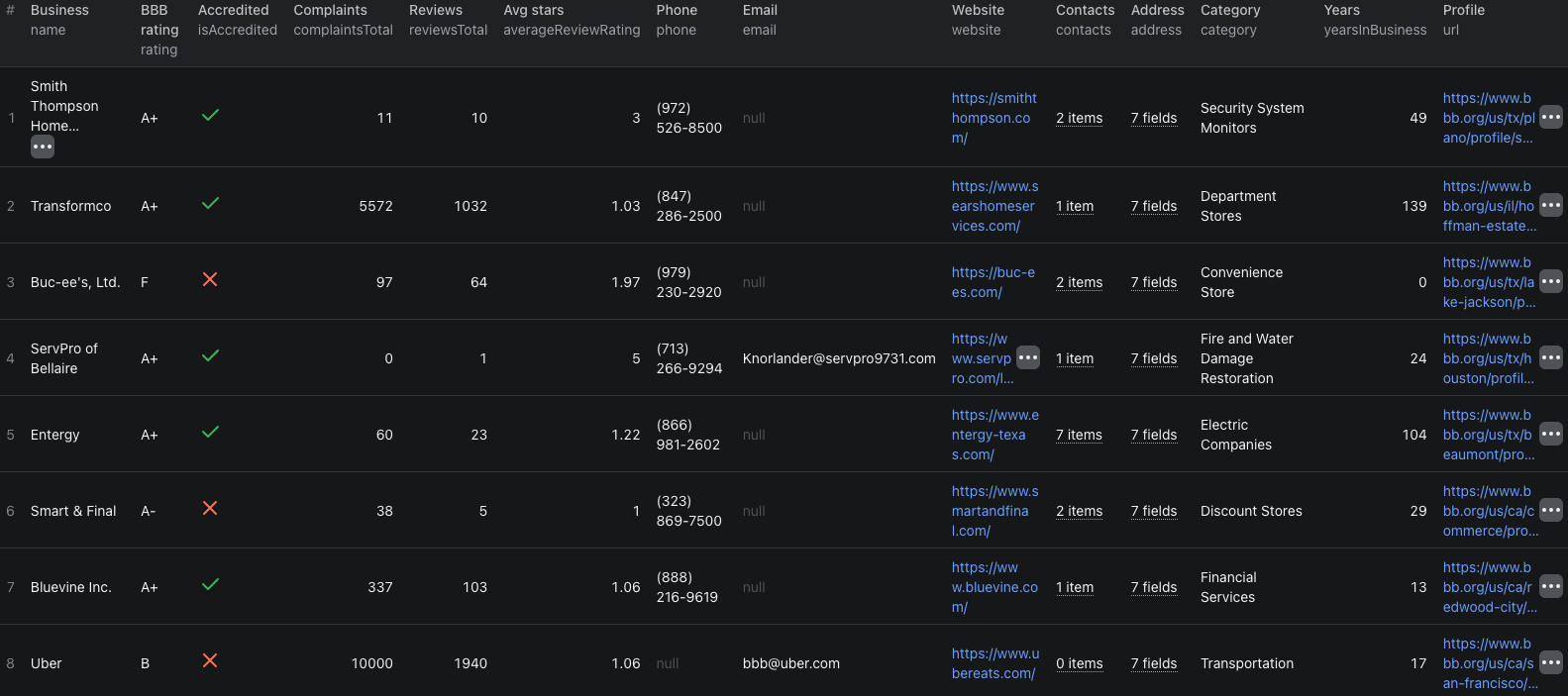
The BBB business details Node.js example runs the same capped profile check with apify-client and retrieves the dataset.
Turn the record into a vendor review
Start by confirming identity. Match the profile name, address, website, and businessId to the company you intended to review. Similar names and multiple locations can otherwise put the wrong record into a shortlist.
Then review the record in four passes:
- Contactability: retain the published phones, email, website, and profile-listed contacts. Mark missing values as missing.
- Business history: compare
businessStarted,bbbFileOpened,incorporated,entityType, andyearsInBusiness. These dates describe different events and should not be substituted for each other. - Accreditation and licenses: record the displayed BBB status and license identifiers, then verify any decision-critical license with its issuing authority.
- Complaint and review context: group repeated subjects only after reading dates, statuses, business responses, and customer rebuttals.
Keep rating separate from averageReviewRating. The first is BBB's letter rating; the second is the average of customer review stars shown by the source. Neither field alone answers whether a vendor fits your requirements.
Complaint text can contain disputed claims and personal information. Limit collection to what the task needs, control access to exports, and avoid presenting a complaint as an established fact. For consequential vendor decisions, return to the current source profile and use an appropriate review process.
Find profiles before collecting details
This Actor does not search BBB by keyword or location. It starts from profile URLs.
If you do not already have those URLs, use our BBB business listings guide to search by trade, location, and distance. Normalize each returned reportUrl to an absolute https://www.bbb.org/... URL, deduplicate it, and pass only shortlisted profiles to the details Actor.
This two-step workflow keeps costs controlled. A broad listings search handles discovery; the details run is reserved for businesses you may actually review.
The Actor accepts the main profile URL as well as /details, /complaints, and /customer-reviews variants. It normalizes those variants to the business profile, so deduplicate normalized URLs before running a large list.
Choose how much history to collect
Leave both optional switches off when contact details, accreditation, license data, and aggregate complaint or review counts are enough. The base business record still contains fields such as complaintsTotal, complaintsClosedLast12Months, reviewsTotal, and averageReviewRating.
Enable complaints or reviews only when the text and responses affect the decision. Set small per-business caps first, inspect the oldest returned date, and increase a cap only if the sample does not cover the period you need.
The caps limit returned items; they do not change the profile-level totals. A business with 40 displayed complaints and a cap of three will still have complaintsTotal: 40, but only up to three complaint objects in the complaints array.
Pricing
Pricing as of September 21, 2026 is additive:
| Event | Price |
|---|---|
| Business profile | $0.015 per returned profile |
| Complaint | $0.005 per returned complaint when enabled |
| Customer review | $0.005 per returned review when enabled |
Our example returned one profile, three complaints, and three reviews. Its Actor event charges were $0.015 + (3 × $0.005) + (3 × $0.005) = $0.045. A profile returned with status: "not_found" is not charged as a business profile. Apify platform or proxy usage may be billed separately according to your plan. Check the run cost and live pricing before increasing either history cap.
Check these cases before scaling up
- The email is null. BBB profiles do not always publish an email. Keep the field empty and use another published channel if appropriate.
- The totals exceed the arrays. Aggregate totals describe the profile; the arrays obey your per-business caps.
- A complaint is unresolved or disputed. Preserve its status, all returned responses, and any rebuttal. Do not reduce the text to an unsupported verdict.
- The BBB rating and customer stars differ. They are separate measures. Keep both field names visible in exports and reports.
- A license is present. Treat the identifier and agency as a verification lead, then check the relevant official registry.
- The profile is not found. Confirm the URL in a browser. Removed or invalid profiles return a
not_foundstatus rather than a fabricated business record. - A run includes sensitive text. Collect only what you need, restrict access, and apply the retention rules appropriate to your use case.
Frequently asked questions
Can I use a BBB complaints or customer-reviews URL?
Yes. The Actor normalizes the main profile URL and its /details, /complaints, and /customer-reviews variants to the same business profile.
Are complaints and customer reviews included by default?
No. The business record includes aggregate complaint and review fields by default. Full complaint and review arrays are optional and charged per returned item.
Does a BBB rating equal the customer review average?
No. Keep the BBB letter rating and averageReviewRating as separate fields because they represent different measures.