How to Scrape Coupang Product Details, Variants, and Delivery Data
A Coupang listing card is enough to discover a product. It is not enough to monitor a specific laptop configuration or delivery promise. For that, you need the selected option, its coupon price and stock, the other available variants, and the date Coupang showed when the page was collected.
The Coupang Product Details Scraper accepts Coupang product URLs or bare numeric IDs. It returns one record per product with prices, discounts, delivery, stock, ratings, images, and every option variant. An optional mode adds specifications, KC certifications, return information, and seller registration details. I maintain the Actor. The examples below use its deployed build and a successful run from September 15, 2026.
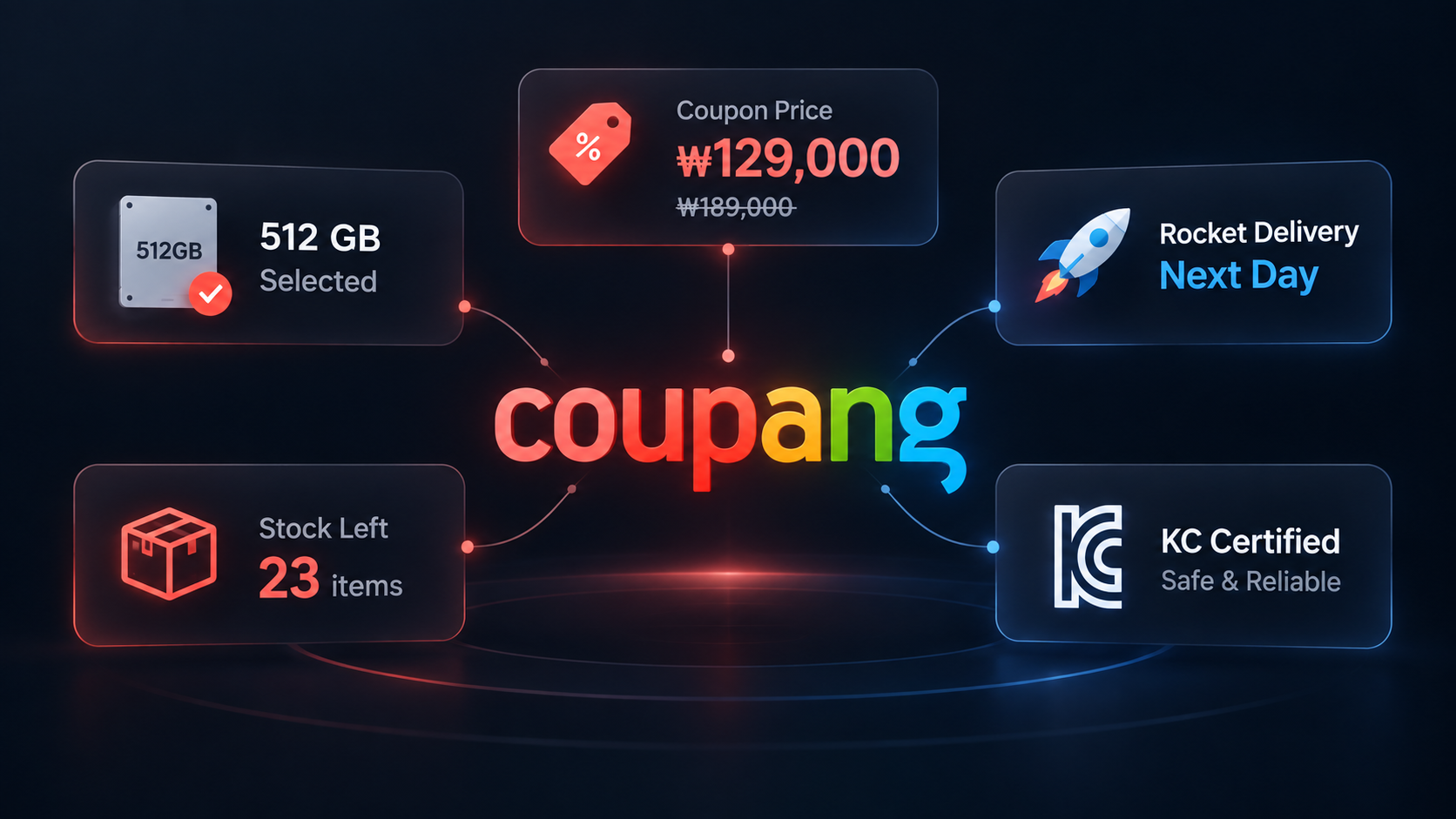
Start with the right Coupang identifier
Use this Actor after you already know which products to inspect. The Coupang listings guide covers keyword and category discovery.
The input accepts either:
- A full product URL with
/vp/products/{productId}, plusitemIdandvendorItemIdwhen you need that exact option. - A bare product ID such as
9643918040. This is convenient for a product-level lookup, but Coupang chooses the default option.
That distinction matters. A product page can contain several storage, memory, colour, or size combinations with different identifiers, prices, and stock states.
Leave Include specs, certifications and seller info off for a routine price check. Turn it on only when the extra product and merchant fields are part of your decision. It adds cost, and some fields can still be absent when Coupang does not expose them for that offer.
What one product record looks like
This abbreviated record is from the September 15 launch run. The requested URL selected the 512 GB laptop option.
{
  "productId": "9643918040",
  "itemId": "28917494391",
  "vendorItemId": "95849222427",
  "title": "베이직스 2026 베이직북 16 울트라 코어Ultra5 인텔 14세대",
  "name": "베이직스 2026 베이직북 16 울트라 코어Ultra5 인텔 14세대, BU1626SS, WIN11 Home, 12GB, 512GB, 화이트",
  "brand": "베이직스",
  "price": 1081330,
  "originalPrice": 1189000,
  "couponPrice": 1081330,
  "discountPercent": 9,
  "currency": "KRW",
  "wowMemberDiscount": true,
  "deliveryType": "ROCKET",
  "arrivalDate": "2026-09-16",
  "soldOut": false,
  "buyableQuantity": 2,
  "options": [
    { "name": "저장용량", "values": ["256GB", "512GB"], "selected": "512GB" }
  ],
  "variants": [
    { "vendorItemId": "95849222426", "price": 1084000, "soldOut": false },
    { "vendorItemId": "95849222427", "price": 1081330, "soldOut": false }
  ],
  "status": "ok"
}
| Field group | What to use it for |
|---|---|
productId, itemId, vendorItemId | Keep the product identity separate from the selected item and seller offer. |
price, couponPrice, originalPrice | Compare the current selected offer. Original price is Coupang's displayed reference price, not proof of a previous sale. |
variants, options | Find the exact storage, memory, colour, or size combination and its own price and stock. |
deliveryType, arrivalDate, shippingFee | Record the delivery promise observed during the run. |
specs, certifications, seller | Optional fields returned when includeInfo is enabled and the page exposes them. |
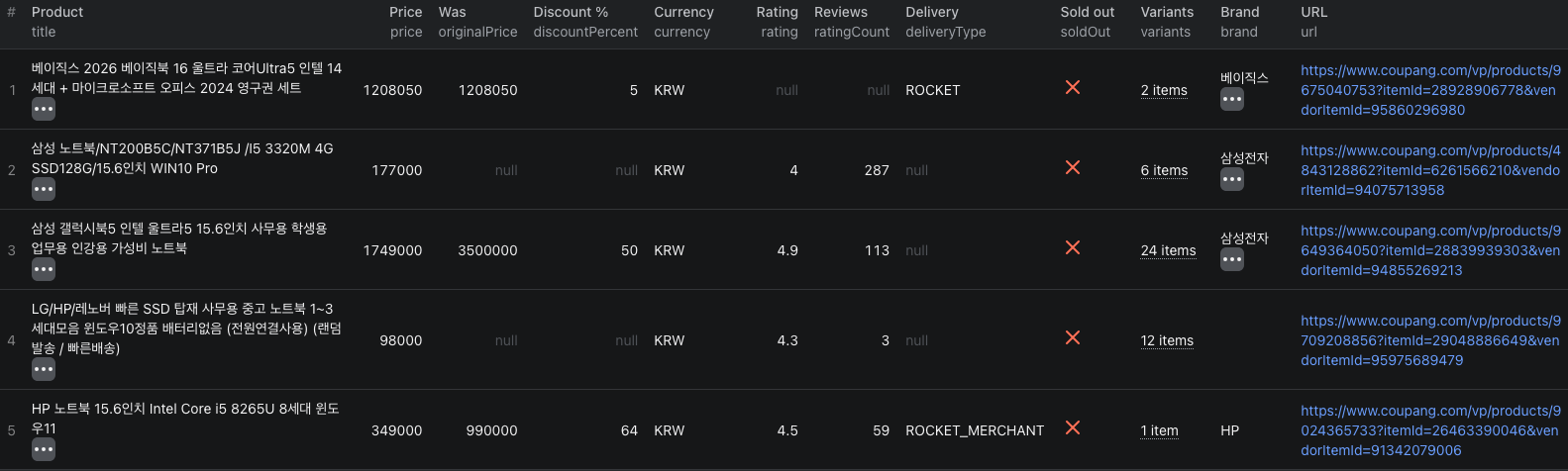
Run a two-product check
- Open the Actor on Apify and click Try for free.
- In Input, keep the two prefilled product URLs or replace them with products you track.
- Leave Include specs, certifications and seller info off for this first run.
- Leave Max products at
50. It is a total cap across the URL list, not a limit per URL. - Click Start. The verified two-product run completed in about 36 seconds.
- Open Output to inspect the records, then export JSON or CSV from Storage.
The same input in the JSON editor is:
{
  "productUrls": [
    "https://www.coupang.com/vp/products/9355511908?itemId=27796547419&vendorItemId=94756679505",
    "https://www.coupang.com/vp/products/9643918040?itemId=28917494391&vendorItemId=95849222427"
  ],
  "includeInfo": false,
  "maxItems": 50
}
Compare the selected option, not the page headline
The two laptops in the sample each exposed two variants. On product 9643918040, the selected 512 GB option cost ₩1,081,330 while the 256 GB option cost ₩1,084,000. On the second product, the selected 512 GB and 16 GB configuration cost ₩876,600, while another 256 GB and 8 GB configuration cost ₩758,350.
A product-level minimum would make the second laptop look cheaper without saying that it has half the storage and memory. For a clean comparison:
- Match the configuration in
optionsor the full variantname. - Keep
vendorItemIdwith the observation so the offer remains identifiable. - Use
couponPriceonly when the returned flags and your buying conditions make the coupon relevant. - Store
scrapedAt,arrivalDate, and the stock fields with the price.
The delivery date is an observation, not a permanent product attribute. The launch run showed next-day Rocket delivery for both selected variants. A different buyer location, membership state, seller, or collection time can produce another estimate.
For a scheduled workflow, the Coupang product details Node.js example uses the same input shape and prints the resulting dataset. Start with the manual run so you know which identifiers and option fields belong in your comparison.
Pricing
Pricing verified September 15, 2026 is additive:
| Event | Price | When it applies |
|---|---|---|
| Product | $0.008 | Once for a successfully scraped product. |
| Additional variant | $0.001 | For every returned variant after the first. |
| Specs and seller info | $0.003 | When includeInfo is on and that information is returned. |
A product with four variants costs $0.011. The same record with the optional information costs $0.014. Products returned as not_found are not charged. There is also an Actor-start event of $0.00005 per GB of allocated memory, with a minimum of one event. Check the live pricing page before a large or scheduled run.
When a field is missing or misleading
- The selected variant is wrong. Use the full URL with both
itemIdandvendorItemId, rather than a bare product ID. - Specs or seller fields are empty. Confirm that
includeInfowas enabled. Some offers, including products sold directly by Coupang, do not expose every merchant field. buyableQuantityis small. Treat it as the quantity available to buy in that page context, not a warehouse-wide inventory figure.- The discount looks unusually large. Compare the payable
priceorcouponPrice; do not treatoriginalPriceas a verified historical transaction price. - The product is
not_found. Open the URL and check the identifiers. Withdrawn or unknown products return a status row and are free.
Frequently asked questions
Should I use a Coupang product URL or a bare product ID?
Use a URL containing itemId and vendorItemId when you need a specific selected option. A bare numeric product ID is valid, but it returns Coupang's default option.
How are products and variants charged?
A successfully scraped product costs $0.008, and each additional variant after the first costs $0.001. Enabling the optional specs and seller information adds $0.003 when that information is returned.
Does a Coupang arrival date apply to every buyer?
No. It is the delivery promise Coupang returned during that scrape. Location, membership, stock, seller, and time of day can change the checkout estimate.