How to Scrape Y Combinator Companies and Startup Jobs
The Y Combinator directory is useful when you know the list you want: recent B2B companies, active European startups, or teams currently hiring engineers. The difficult part is turning that filtered directory into rows you can compare and refresh later.
Our Y Combinator Scraper has two modes. Companies returns one row per matching YC company. Jobs returns one row per open role at matching hiring companies. You can optionally enrich company rows with founders and social links, enrich job rows with full descriptions, or track what changed between runs.
No YC account or session is required. The output reflects the public directory at collection time; it does not independently verify company status, headcount, salary, or hiring claims.
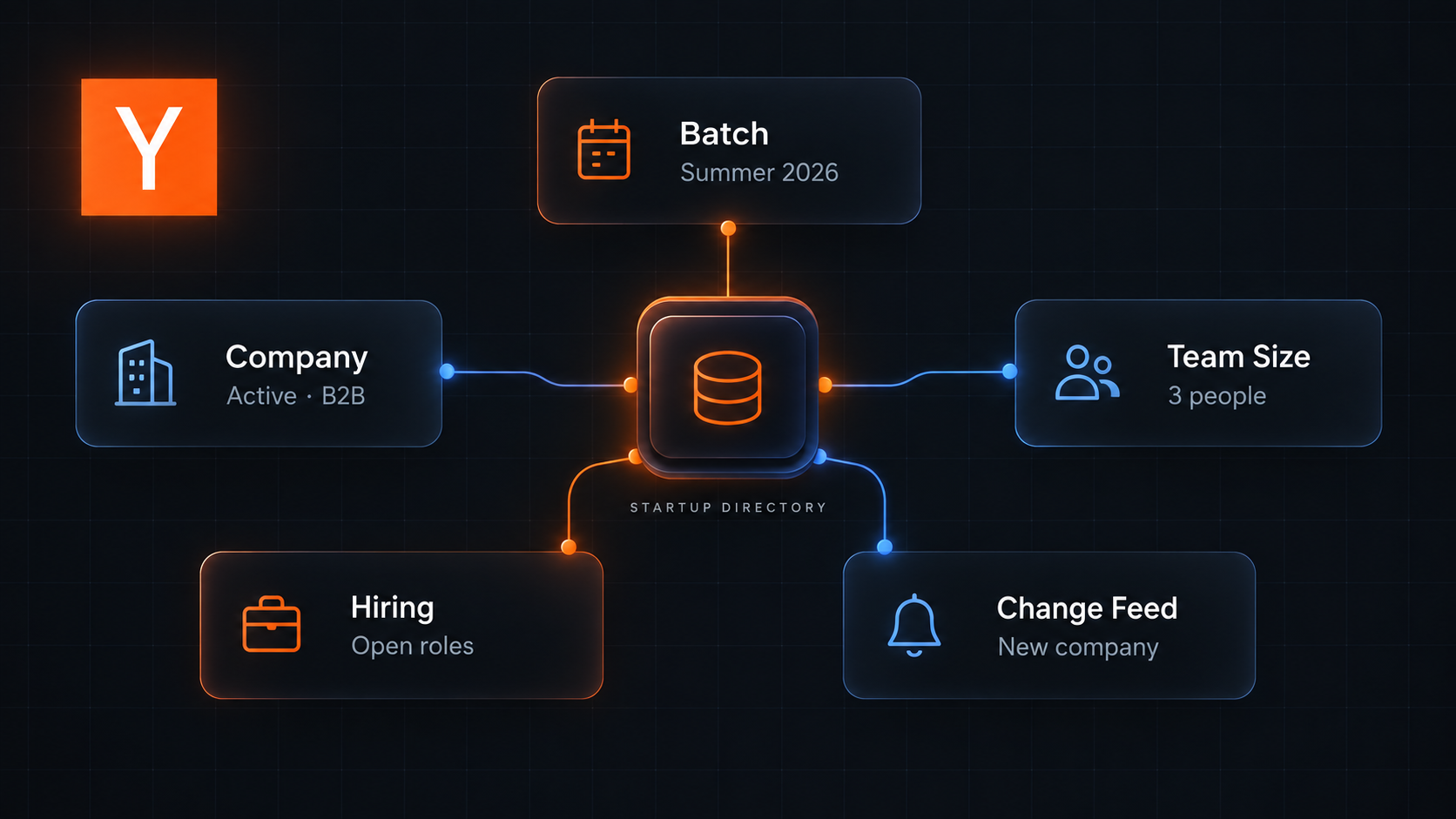
Pick companies or jobs first
Use Companies when the outcome is an account list, market map, or startup research table. Available filters include batch, industry, region, status, hiring flag, Top Company flag, and free-text search.
Use Jobs when the outcome is a role shortlist. The same company filters apply, followed by a job-role category and optional location text such as Remote, London, or New York.
Turn on Scrape details only when the extra fields matter:
| Mode | Standard row | Detail row |
|---|---|---|
| Companies | Name, website, batch, status, industry, tags, location, team size, hiring flag | Adds founders, founder profiles, company social links, year founded, launches, and press |
| Jobs | Role, company, location, remote flag, salary, equity, experience, visa, skills, apply link | Adds the full description and interview process |
Export one YC batch
- Open the Actor on Apify and click Try for free.
- Set What to collect to Companies.
- Enter
Summer 2026under Batches. - Leave Scrape details and Track changes between runs off for the first export.
- Keep Max items at
50, then click Start. - Open Results to inspect the rows. Export JSON when you need arrays such as tags, regions, and former names intact.
We used this input for the launch example:
{
  "mode": "companies",
  "batches": ["Summer 2026"],
  "status": "any",
  "isHiring": false,
  "topCompany": false,
  "scrapeDetails": false,
  "trackChanges": false,
  "maxItems": 50
}
One company row in that export was:
{
  "type": "company",
  "id": 33969,
  "name": "OpenTag",
  "url": "https://www.ycombinator.com/companies/opentag",
  "oneLiner": "Model Agnostic AI coworker in Slack",
  "website": "https://www.tryopentag.com/",
  "batch": "Summer 2026",
  "status": "Active",
  "stage": "Early",
  "industry": "B2B",
  "location": "San Francisco, CA, USA",
  "teamSize": 3,
  "isHiring": false,
  "scrapedAt": "2026-09-19T11:12:21.164Z"
}
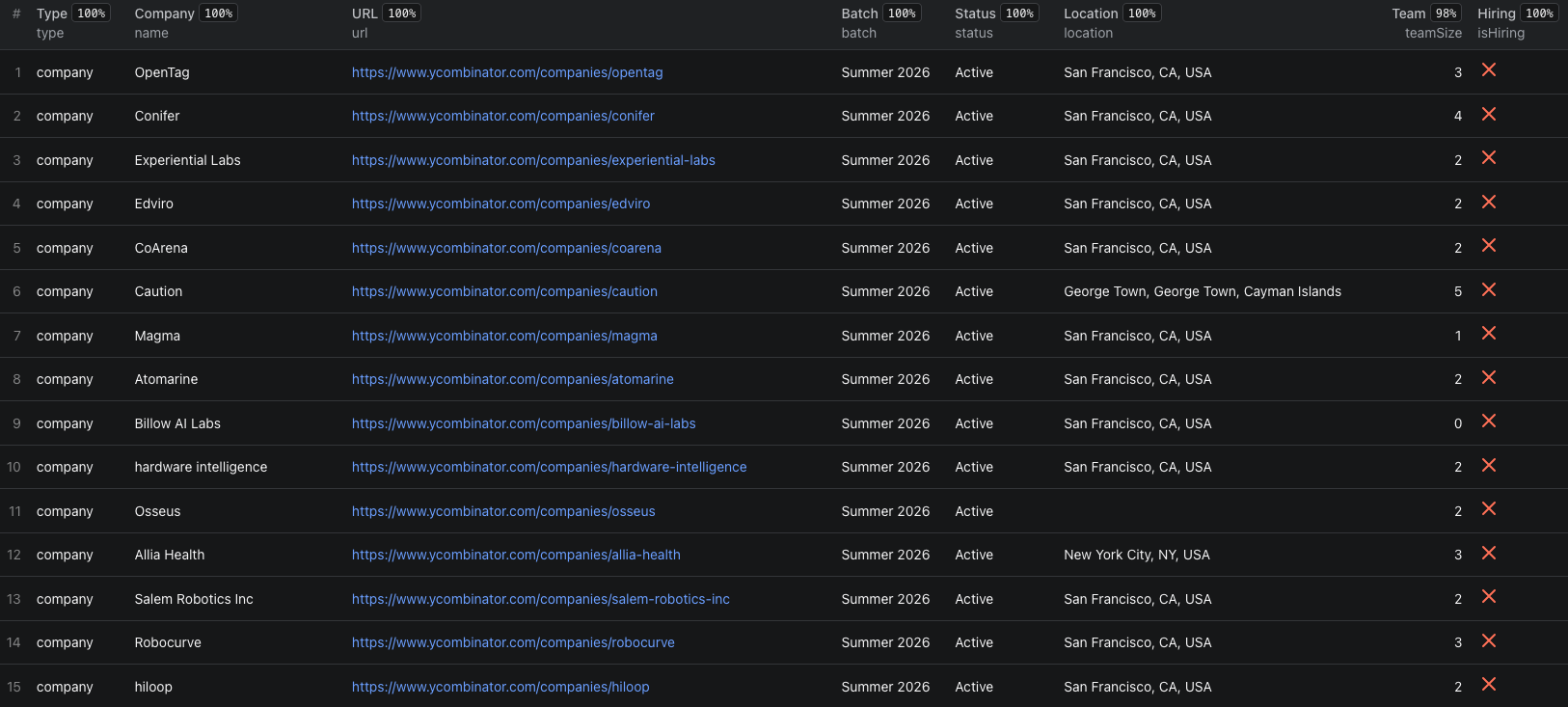
The Y Combinator Node.js example runs the same batch export with apify-client and retrieves the resulting dataset.
Build a list you can actually review
For a sales or market-research list, keep the first run narrow. A useful sequence is:
- Filter by one batch, industry, or region.
- Remove companies whose
status,stage, or location does not fit the task. - Review
oneLiner, tags, website, and team size before paying for detail rows. - Rerun the smaller filter with
scrapeDetails: truewhen founder and company-profile links are needed.
Founder emails are not present in the public directory and are not collected. If you need to identify current people by role after choosing the right accounts, use the LinkedIn decision-maker guide as a separate verification step.
Switch to startup jobs
Jobs mode always starts from hiring companies that match your company filters. This documented input looks for remote engineering roles at active B2B companies:
{
  "mode": "jobs",
  "industries": ["B2B"],
  "status": "Active",
  "role": "eng",
  "location": "Remote",
  "scrapeDetails": false,
  "maxItems": 50
}
Keep scrapeDetails off while testing the filter. Standard rows already include the company, location, remote flag, salary and equity ranges when published, experience, visa text, skills, and apply URL. Turn details on only when the full description or interview process belongs in your workflow.
Salary and equity values are source text. Compare them only after checking location, employment type, experience, and currency context. Before applying, reopen the job page because a collected role can change or close.
Track only what changed
Set trackChanges to true and give the filter a stable memoryName. The first run saves a baseline and returns the matching rows normally. Later runs with the same name and filters return:
- Full rows for new companies or jobs.
- Company field changes with
field,from, andtovalues. - Companies or jobs that disappeared after a complete scan.
Use a different memory name for every distinct watch. Do not reuse one tracker across unrelated batches or filters. A removal is reported only after a complete scan; the Actor skips removal claims when source pages could not be collected reliably.
Pricing
As of September 20, 2026, pricing uses alternative row types, not stacked standard and detail fees:
| Returned row | Price |
|---|---|
| Company | $0.002 |
| Company with details | $0.005 |
| Job | $0.002 |
| Job with details | $0.004 |
| Change | $0.001 |
| Actor start | $0.00005 |
For example, 50 standard company rows cost $0.10005 including one start event. Fifty company detail rows cost $0.25005. A later tracking check that returns no rows incurs only the start event. Check the live pricing page before scheduling a broad watch.
Common mistakes
- Mixing company and job fields. Choose the mode first; a company row and a job row have different purposes.
- Enriching everything immediately. Test the filters with standard rows, then enable details for the smaller set you will use.
- Changing a tracking filter silently. Keep the same memory name and filters for one watch. Create another name for a different scope.
- Treating directory data as verified company reporting. Use the source URL and
scrapedAtvalue, then verify important decisions independently. - Comparing salary strings without context. Keep role type, location, remote status, experience, and visa fields with the salary.
Frequently asked questions
Do I need a Y Combinator account to use the scraper?
No. The Actor collects public YC company-directory and Work at a Startup data without a login. Applying for a job still follows the destination site's own process.
What is the difference between companies mode and jobs mode?
Companies mode returns one row per matching YC company. Jobs mode returns one row per open role at hiring companies that match the same company filters.
What happens on the first change-tracking run?
The first run saves a baseline and returns the matching rows normally. Later runs with the same tracker name and filters return new records, field-level changes, and confirmed removals.