
How to Export Etsy Category Listings for Product Research
The Etsy Listings Scraper extracts product names, prices, currency, images, and links from Etsy category pages. I maintain the Actor. Its current supported URLs contain /c/; ordinary search, shop, and individual listing pages are not supported.
This guide uses two Home and Living category pages to create a small product-research sheet. The export helps compare what is offered and at what displayed price. It does not measure sales or prove demand.
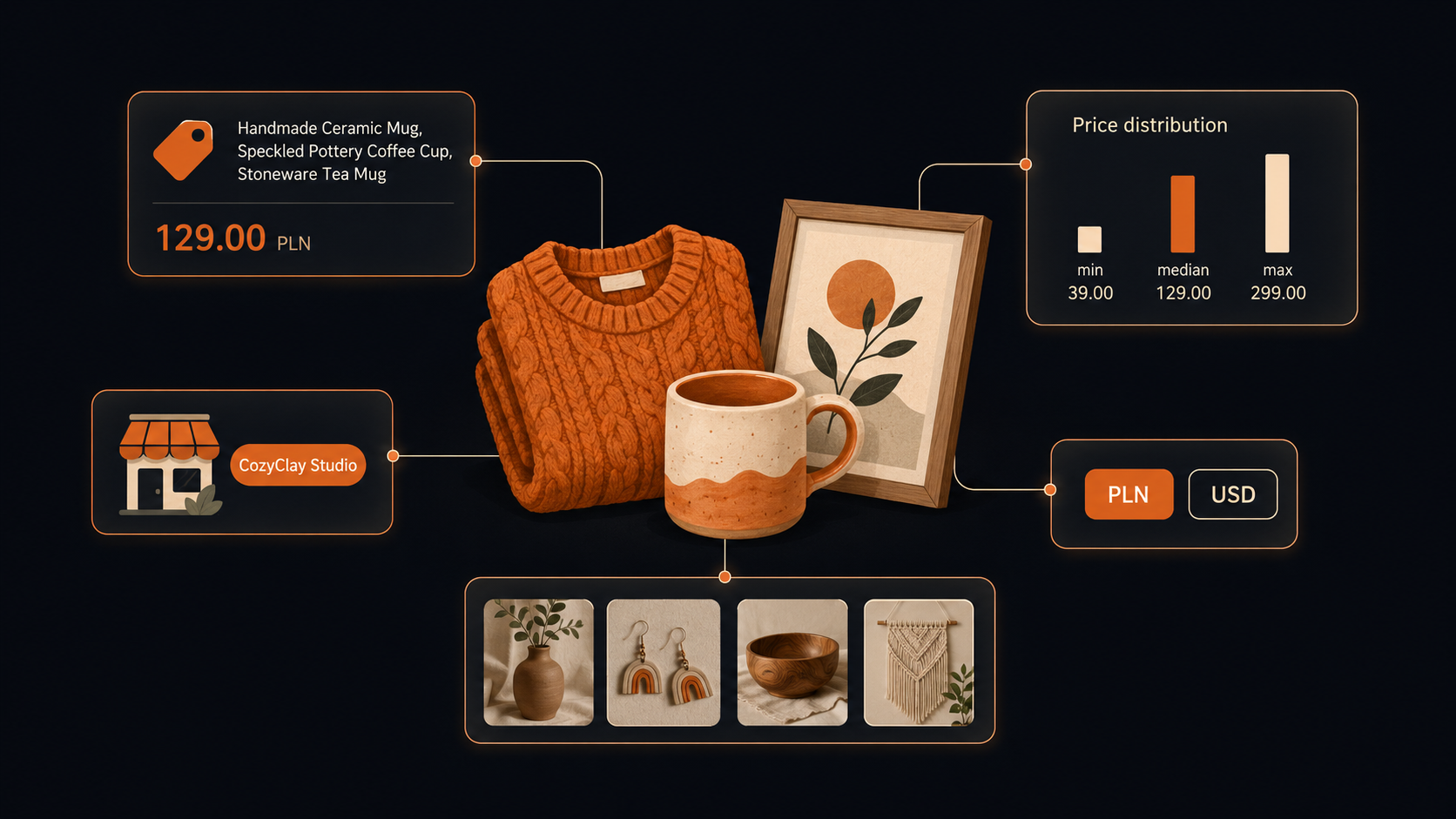
Start from a category URL
Browse Etsy to the category you want and copy the address. A supported example is https://www.etsy.com/c/home-and-living. Localized category paths can also contain /c/, but keep the locale consistent across your sample.
Despite the field name searchUrls, do not paste a /search?q= URL. Shop URLs and /listing/ URLs are skipped with a log note because the Actor cannot obtain product data from those page types through its current extraction path.
There is no item-limit field. To bound the sample, supply a small number of category pages. Add ?page=2 explicitly for the second page instead of assuming that one category URL automatically fetches its whole catalog.
Budget for the sample
Pricing as of September 6, 2026. The active price is $0.001 per returned product. Two pages producing 96 rows would cost $0.096. Check current Actor pricing and the run charge breakdown; these calculations describe Actor events, and separately billed platform or proxy resources may also apply.
Request two category pages
Open the Actor on Apify. In Input, switch to the JSON editor and paste:
{
  "searchUrls": [
    "https://www.etsy.com/c/home-and-living",
    "https://www.etsy.com/c/home-and-living?page=2"
  ]
}
Click Start, then open the completed run’s output dataset.
After completion, inspect the log for skipped URLs and the dataset for actual products. A successful run can still have no products if every supplied URL was unsupported.
Two pages do not guarantee a fixed row count. Record the number actually returned and remove duplicated product URLs before analyzing the sample.
Read the returned fields
| Field | How to use it |
|---|---|
name | Listing title |
price | Displayed price |
currency | Price currency when present |
image | Listing image |
url | Listing URL |
brand | Shop or brand value when exposed |
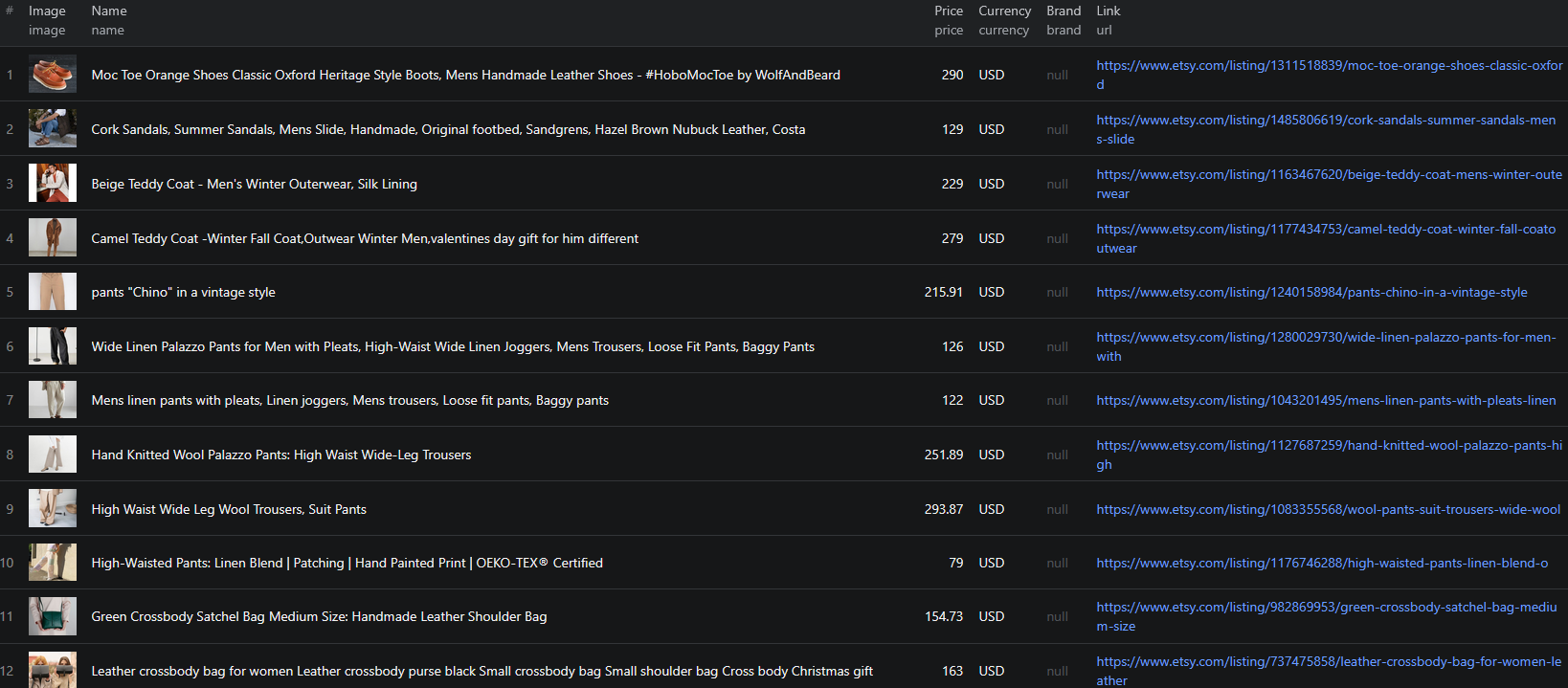
The documented historical output includes prices in PLN. A numeric price without its currency is therefore unsafe to combine with other exports. The input has no separate currency selector; inspect the returned values instead of assuming all Etsy results are USD.
brand is the shop or brand text exposed by the source, not a verified manufacturer identity. Preserve it as received, and use the listing URL when you need to inspect the seller or selected product options.
Turn category cards into a product comparison
Export CSV with name, price, currency, brand, and url. Keep image if a visual review helps. Add your own fields for product type, material, personalization, quantity, and review notes.
Start by separating product types. A category can mix digital downloads, physical products, accessories, and multi-item sets. Comparing those in a single median makes the result hard to use. Read titles for signals, then open ambiguous listings to confirm what the displayed price buys.
Within a group, check whether the shown price is for the same size, quantity, and personalization option. A starting price for one variant is not necessarily the price of the item pictured. Record shipping separately if you verify it; the basic output does not provide a dependable landed-cost calculation.
Summarize price bands only within one currency and a comparable product type. Keep a count of listings and the source category pages next to the summary. Use the findings to choose products for further research, not to declare an underserved niche: listing assortment alone does not reveal sales volume, conversion, or unmet demand.
If you repeat the export later, retain collection dates and match URLs. Changes in category ranking can alter a two-page sample even if no seller changed their price.
Resolve empty or inconsistent exports
Check for /c/ first when a run produces no rows. A correctly spelled search or shop URL is still the wrong input type for this Actor. Reduce the test to one supported category page and inspect skipped-page messages.
If currencies vary, keep them in separate groups. If prices or brand values are missing, leave them unknown and review the listing before using it in a comparison. Adding more pages improves coverage only within the chosen category and reachable pages.
For a different kind of comparison, see eBay listing and sold-price research or Amazon storefront exports, with their own coverage limits.
For exporting explicit Etsy category pages, see the Node.js example. Use the current input fields above if the example differs.
Frequently asked questions
Can I scrape an Etsy keyword search or shop URL?
Not with the current Actor. Use category URLs containing /c/. Search, shop, and individual listing URLs are unsupported.
Does one category URL collect every page?
Supply additional page URLs explicitly, such as the same category with ?page=2. The input has no item-limit field.
Does this output show which products sell best?
No. It provides listing information and displayed prices, not verified sales volume or completed transaction data.
