
How to Research Jiji Listings in a Specific Market
The Jiji Listings Scraper searches Nigeria, Kenya, Ghana, Tanzania, and Uganda, with optional detail collection. I maintain the Actor. This guide looks for iPhone 13 listings in Lagos and shows how to separate comparable phones before comparing prices.
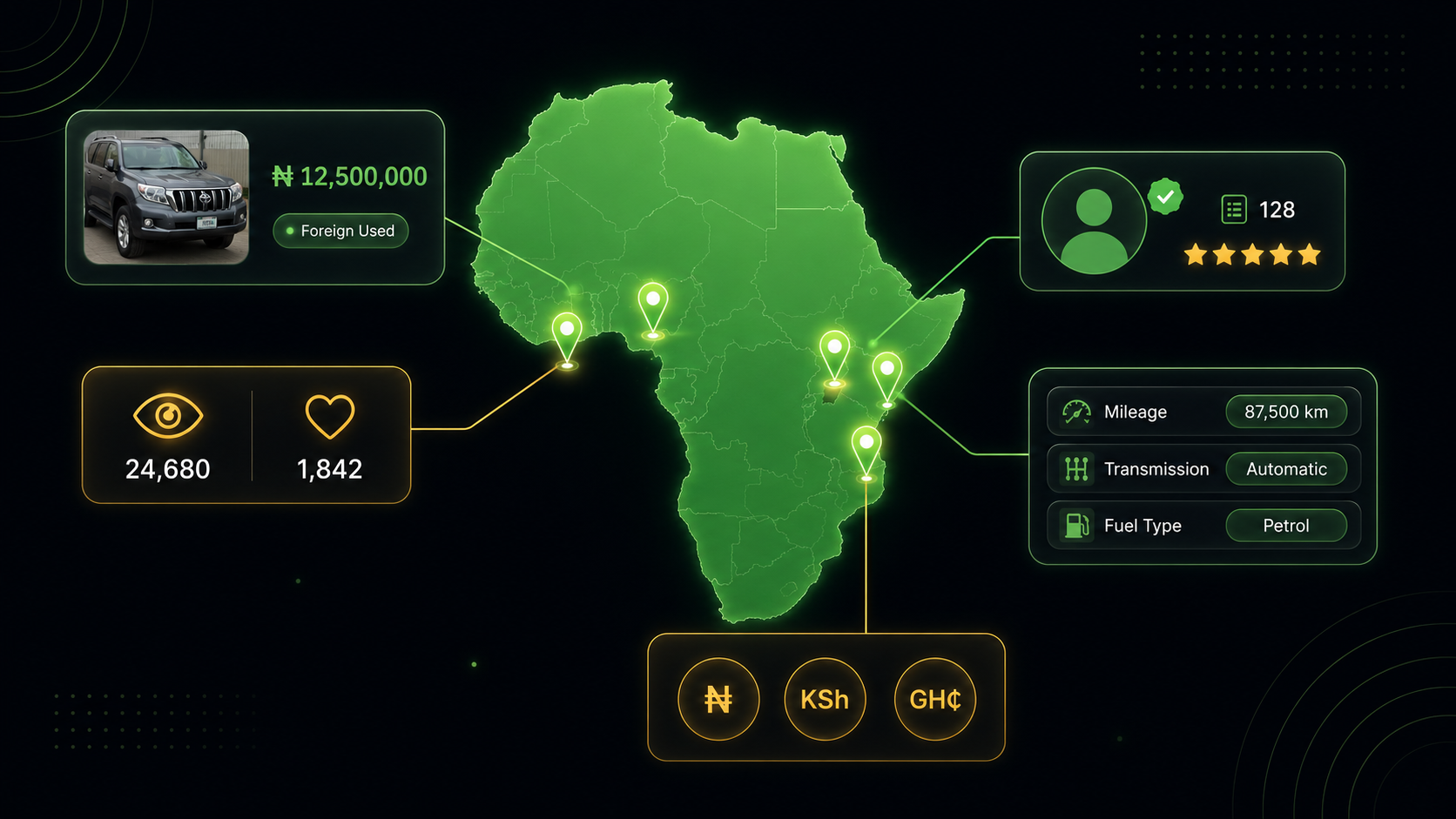
Country is part of the search definition. A price of 200,000 has a different meaning in different Jiji markets, so preserve the marketplace alongside every result.
Set country, category, and region together
Use ng, ke, gh, tz, or ug for the supported country. The example uses Nigeria. Category and region slugs come from the selected site's URLs; do not assume one market's region names apply to another.
categorySlug can be a category slug or full category URL. Combining mobile-phones with a model query reduces unrelated accessories. The price bounds use local currency and are only a sample filter, not a claim about today's normal market price.
Residential proxies from the selected marketplace's country are required in practice. The default configuration matches proxy country automatically. Check that your account has the required access and allow for proxy traffic in addition to result events.
Budget for the sample
Pricing as of September 6, 2026. A listing costs $0.002, while an item with scrapeItemDetails enabled costs $0.005 instead. The Actor-start event is $0.00005 per GB of allocated memory, with a minimum of one event. Check current Actor pricing and the run charge breakdown; these calculations describe Actor events, and separately billed platform or proxy resources may also apply.
Search thirty Lagos phone listings
Open the Actor on Apify. In Input, switch to the JSON editor and paste:
{
  "country": "ng",
  "categorySlug": "mobile-phones",
  "searchQuery": "iPhone 13",
  "regionSlug": "lagos",
  "priceMin": 200000,
  "priceMax": 500000,
  "maxItems": 30,
  "scrapeItemDetails": false
}
Click Start, then open the completed run’s output dataset.
maxItems: 30 bounds the run. Start with scrapeItemDetails: false to inspect title relevance, local prices, and attributes. If the bounds exclude everything, verify the model and category on Jiji, then temporarily remove the price bounds rather than assuming extraction failed.
Enable details for full descriptions, additional attributes, posting dates, counts, and available seller and phone fields. This costs more per returned item.
Read the returned fields
| Field | How to use it |
|---|---|
id | Listing identifier |
title | Listing title |
price | Displayed local price |
region | Listing region |
url | Listing URL |
attributes | Category-specific attributes |
seller | Seller data in detail mode when available |
Category-specific attributes can hold the facts that distinguish otherwise similar phones. Keep the whole object in a JSON export before flattening the fields your comparison needs.
Detail fields such as viewsCount and favoritesCount indicate activity, not purchases. dateCreated is a source posting date, distinct from when you collected the row. A phone number or seller field may still be absent in detail mode.
Review comparable phones and sellers
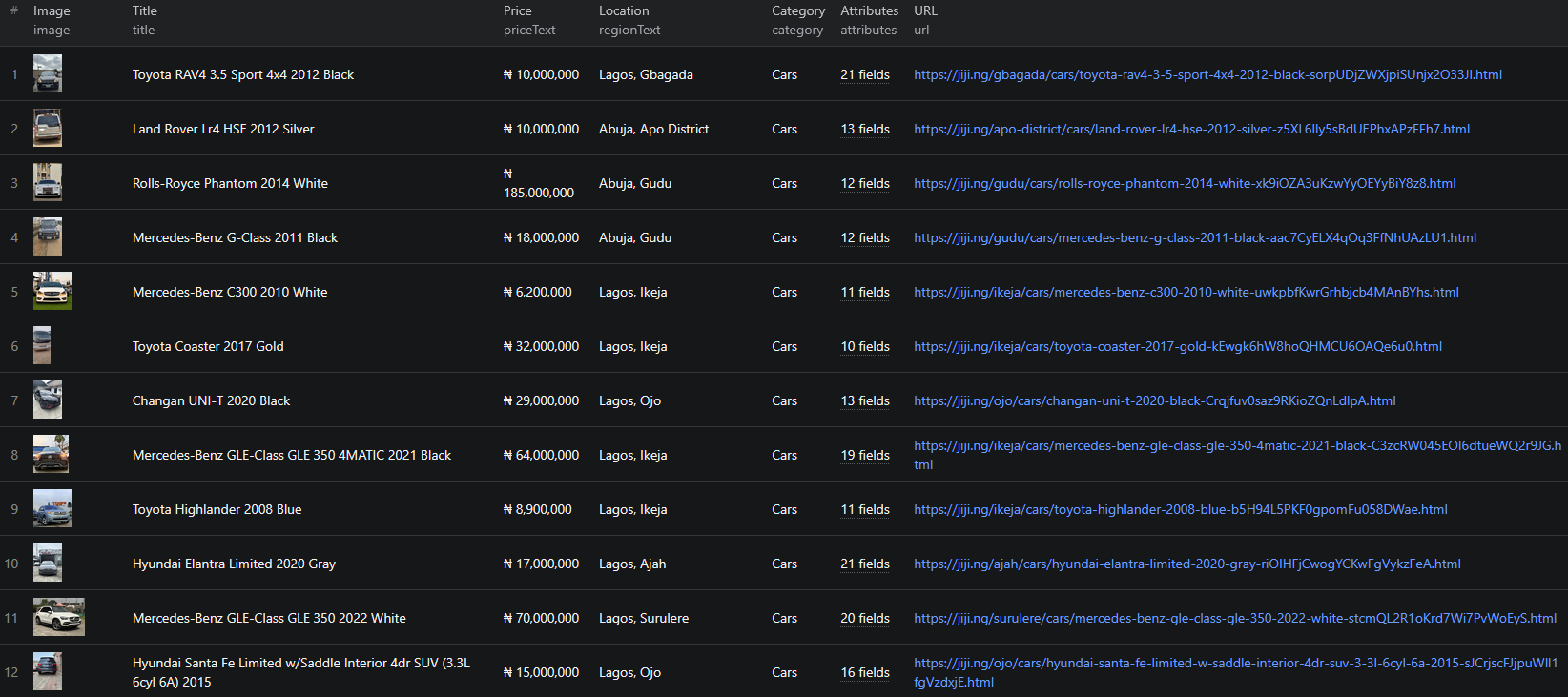
Export the initial dataset and deduplicate by listing id. Add country and collection time if your destination does not already retain them. Separate standard iPhone 13, mini, Pro, and Pro Max results, then compare storage capacity and condition from attributes or manual review.
For a shortlist that needs more context, rerun the same search with details enabled and join by listing ID. Search results can change between runs; do not assume row positions match. Read descriptions for damage, battery concerns, accessories, and other differences that affect price.
Compare asking prices only among similar model, capacity, and condition groups in the same country. Flag very low or inconsistent prices for inspection. The dataset cannot establish authenticity or whether a listing represents a safe transaction.
If several relevant listings belong to one seller, use the seller profile URL where available to group them. Display names alone can merge unrelated people. Review seller information on Jiji before contacting someone, and collect only the personal data needed for your purpose.
Your final sheet should retain a source URL, comparison group, reviewed condition notes, and a reason for shortlisting. It is a research list, not an appraisal or verification of the seller.
Diagnose country and detail mismatches
For empty results, check the country first, then category and region slugs, then price bounds. A Nigerian region paired with another marketplace is not a meaningful search. Proxy failures call for checking residential access rather than widening the query.
If seller or phone fields are missing, confirm detail mode ran and inspect failures in the log. Do not interpret a missing phone as evidence that the seller has no contact method. The site may not expose it to this collection path.
For classified-market research elsewhere, the OLX, Kleinanzeigen, and Leboncoin guides explain their own location and detail controls.
For exporting Jiji searches for later comparison, see the Node.js example. Use the current input fields above if the example differs.
Frequently asked questions
Which Jiji countries are supported?
The current country values are ng, ke, gh, tz, and ug.
Can I filter by city?
Use regionSlug exactly as it appears in Jiji URLs, such as lagos or abuja.
Does detail mode guarantee a phone number?
No. It requests detail pages and returns seller phone data only when available.
